LaunchBox for Android 1.23
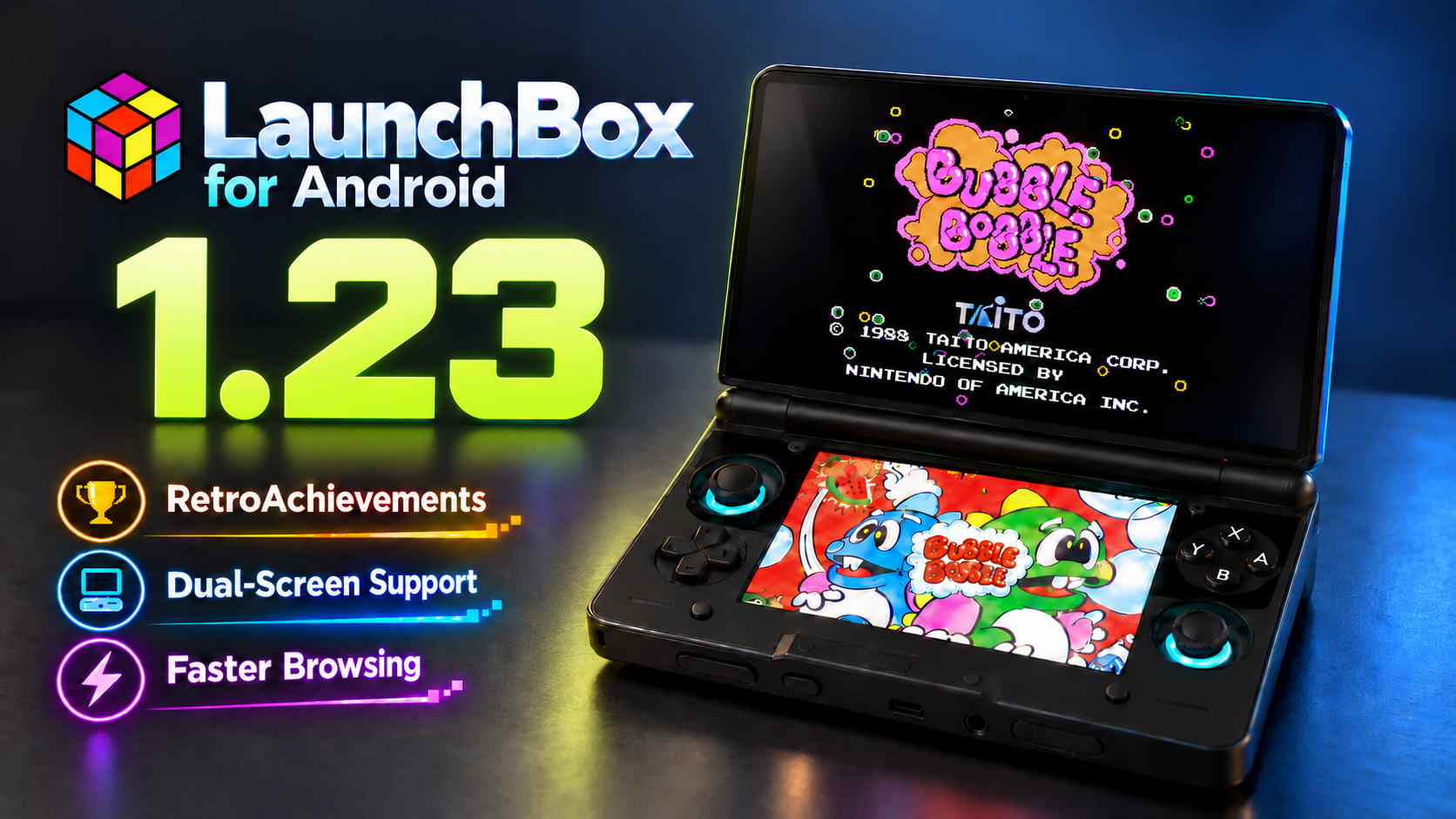
We are excited to roll out LaunchBox for Android 1.23! This update brings RetroAchievements to LaunchBox for Android for the first time, introduces an entirely new experience for supported dual-screen devices, speeds up browsing for larger libraries, adds dozens of emulator configurations, improves NAS support, and delivers a wide range of reliability improvements throughout the app.
For the full list of changes, visit our complete changelog below.
🔗 LaunchBox for Android Changelog
Release Video
🏆 Your RetroAchievements Journey, Now on Android
For more details on this feature, see our dedicated guide:
One of the biggest additions in this release is the arrival of RetroAchievements in LaunchBox for Android. For the first time, you can connect your RetroAchievements account and explore your achievement progress directly from your Android library.
RetroAchievements now has its own dedicated section in the main menu. From there, you can connect your account, view your profile, check key statistics, browse recently played games and recent activity, and open the global leaderboard without leaving LaunchBox.
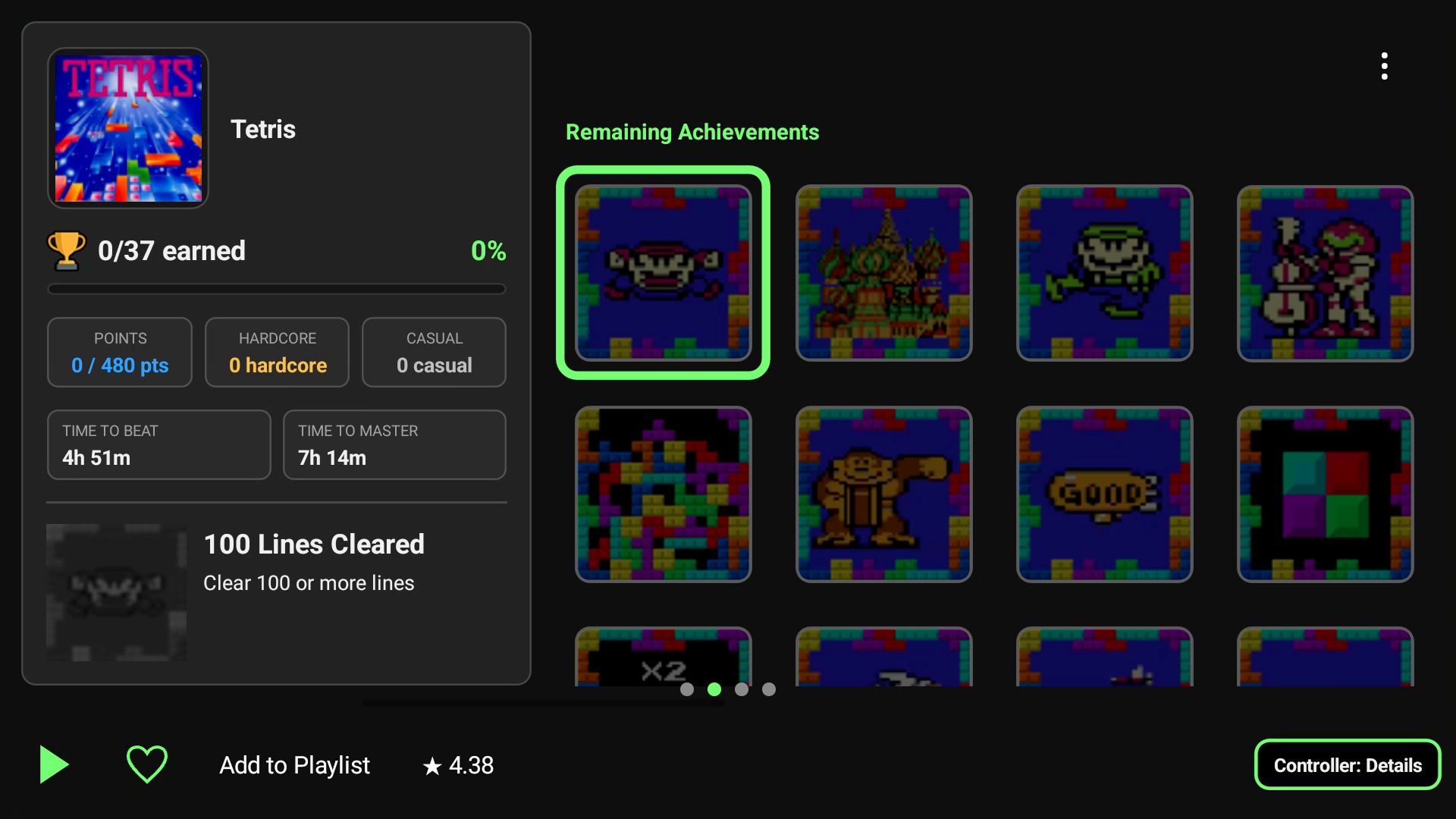
Achievement pages have been designed for phones and handhelds, with both Grid and List layouts. You can search for a particular achievement, change how the set is grouped or sorted, and filter the page to show earned, not earned, progression, missable, win-condition, and other achievement types.
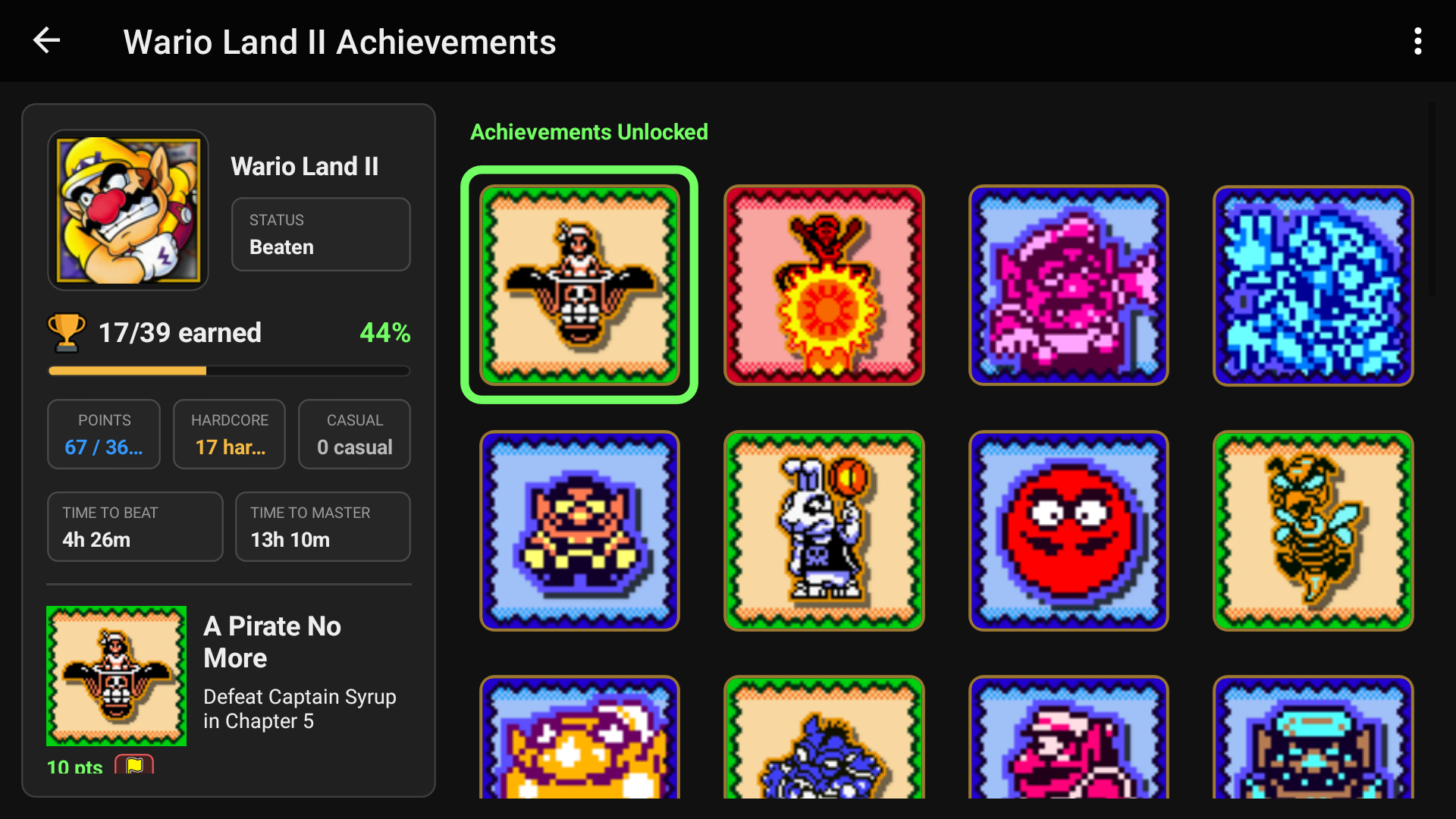
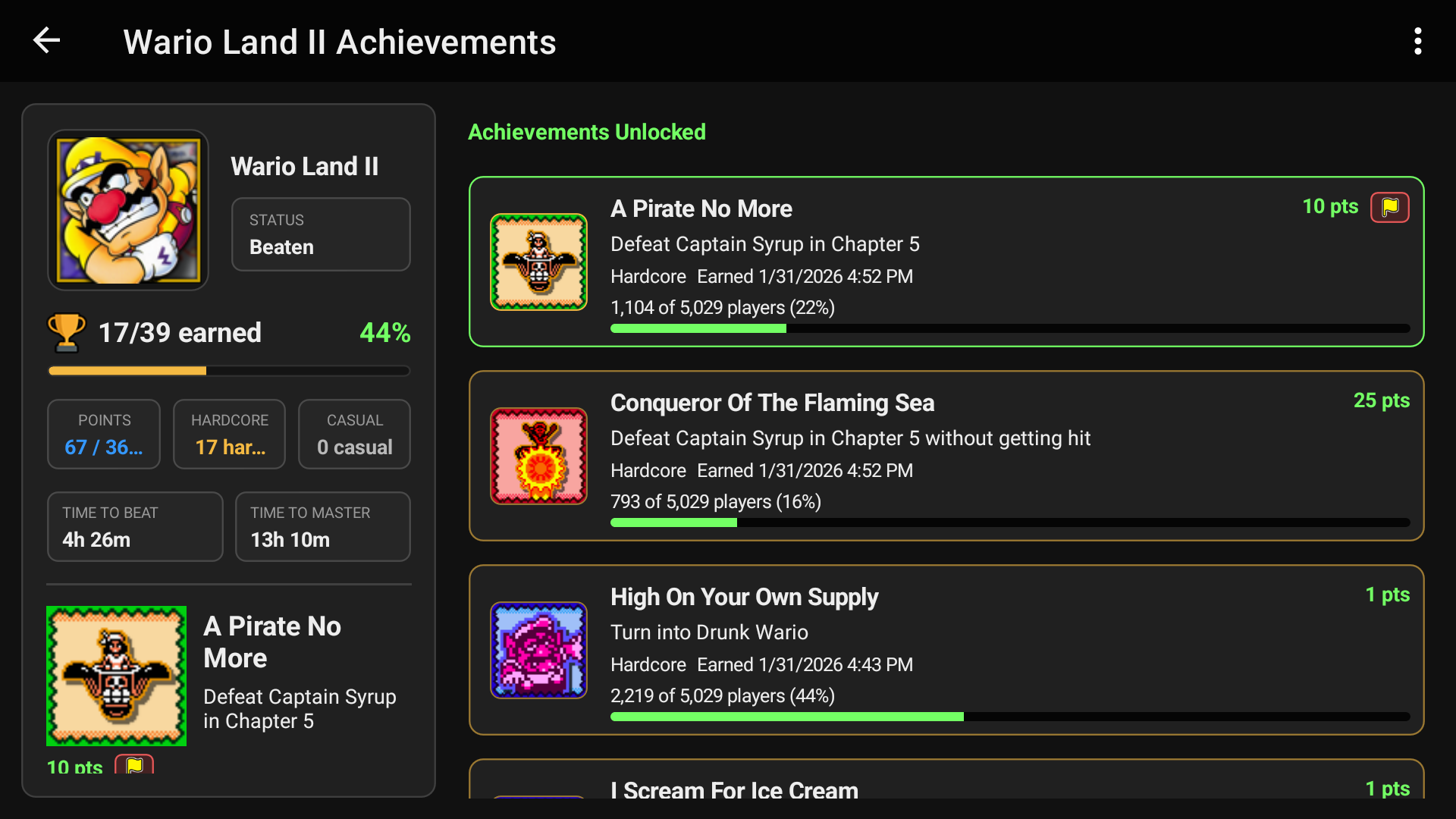
For example, you can sort an achievement set by it’s achievement type to easily we Win & Progression achievements, and even filter it to show only achievements you have Not Earned yet, giving you a clear idea of what to tackle next.
If you need help, you can tap an achievement to read comments pulled directly from the RetroAchievements website and get tips from the community without ever leaving LaunchBox.
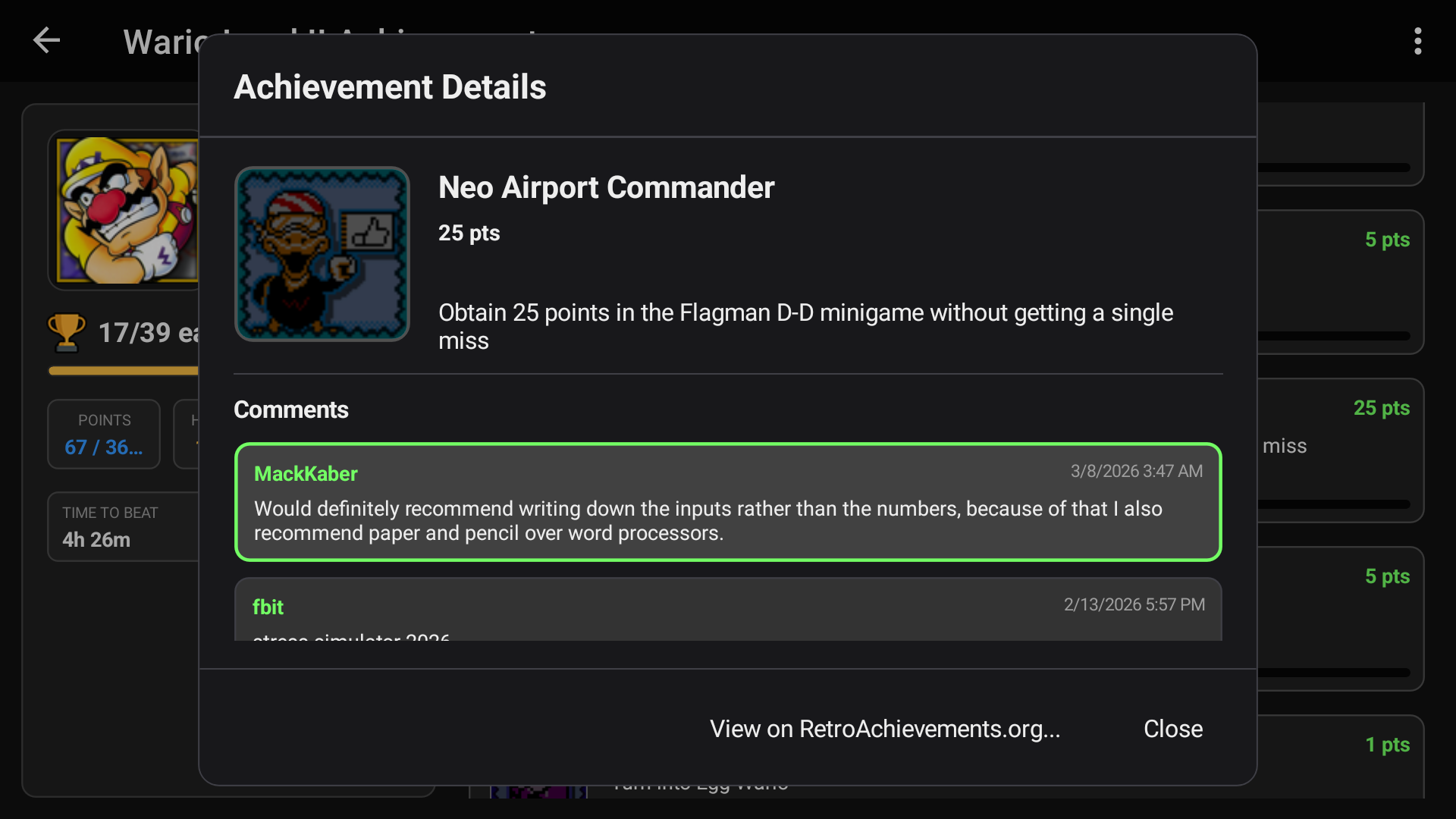
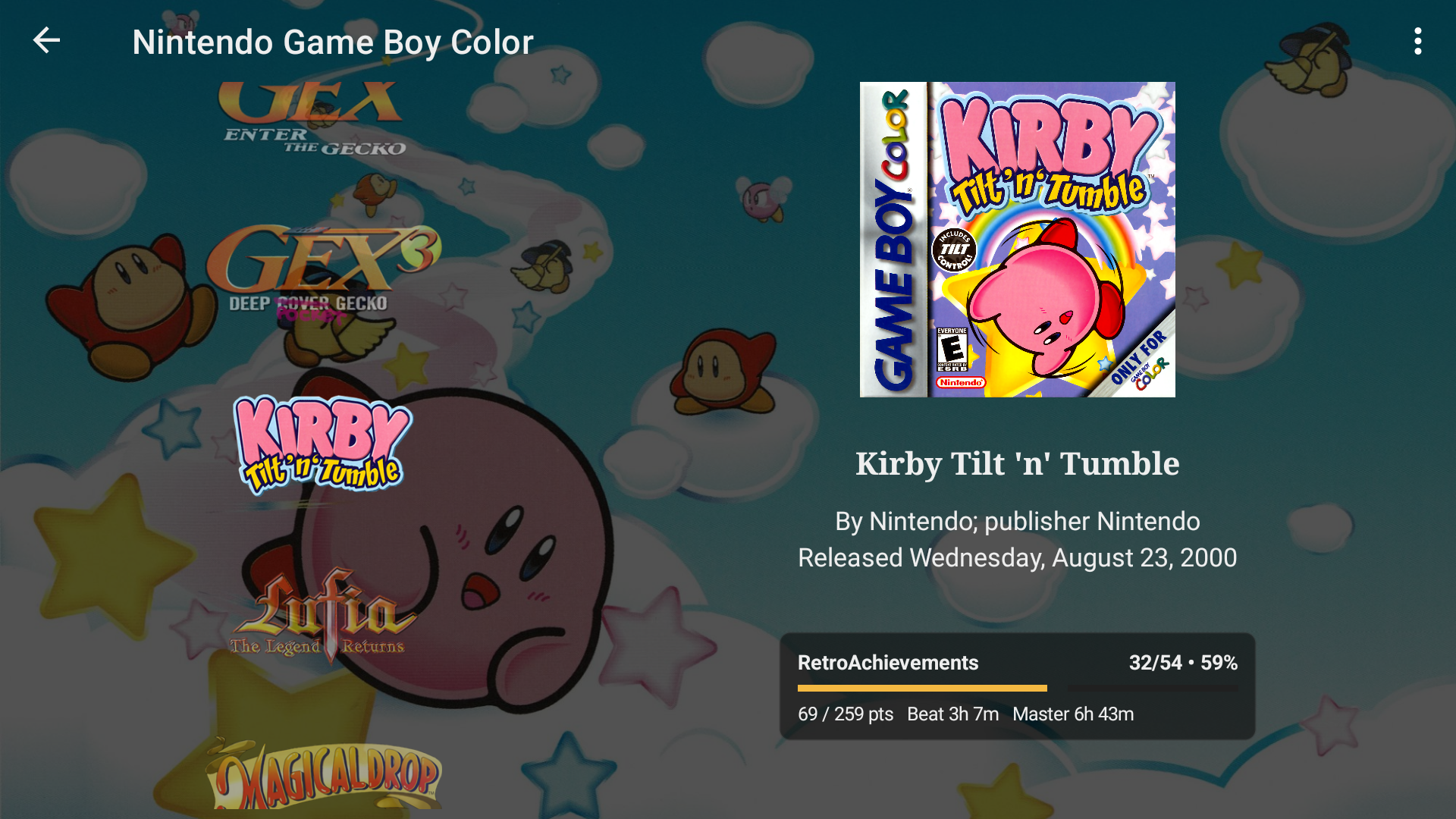
Supported game details views can now show a compact summary of your RetroAchievements progress, including achievements earned, completion percentage, earned points, and estimated times to beat or master the game.
Once you sign in to RetroAchievements through LaunchBox, it can handle setting up your credentials directly in supported RetroArch installations. There is no separate RetroArch configuration required: simply launch a compatible game through LaunchBox and start earning achievements.
📱 Dual-Screen Support Is Here: More Room to Browse and Play
For more details on this feature, see our dedicated guide:
LaunchBox for Android 1.23 introduces a new experience built for supported dual-screen Android devices.
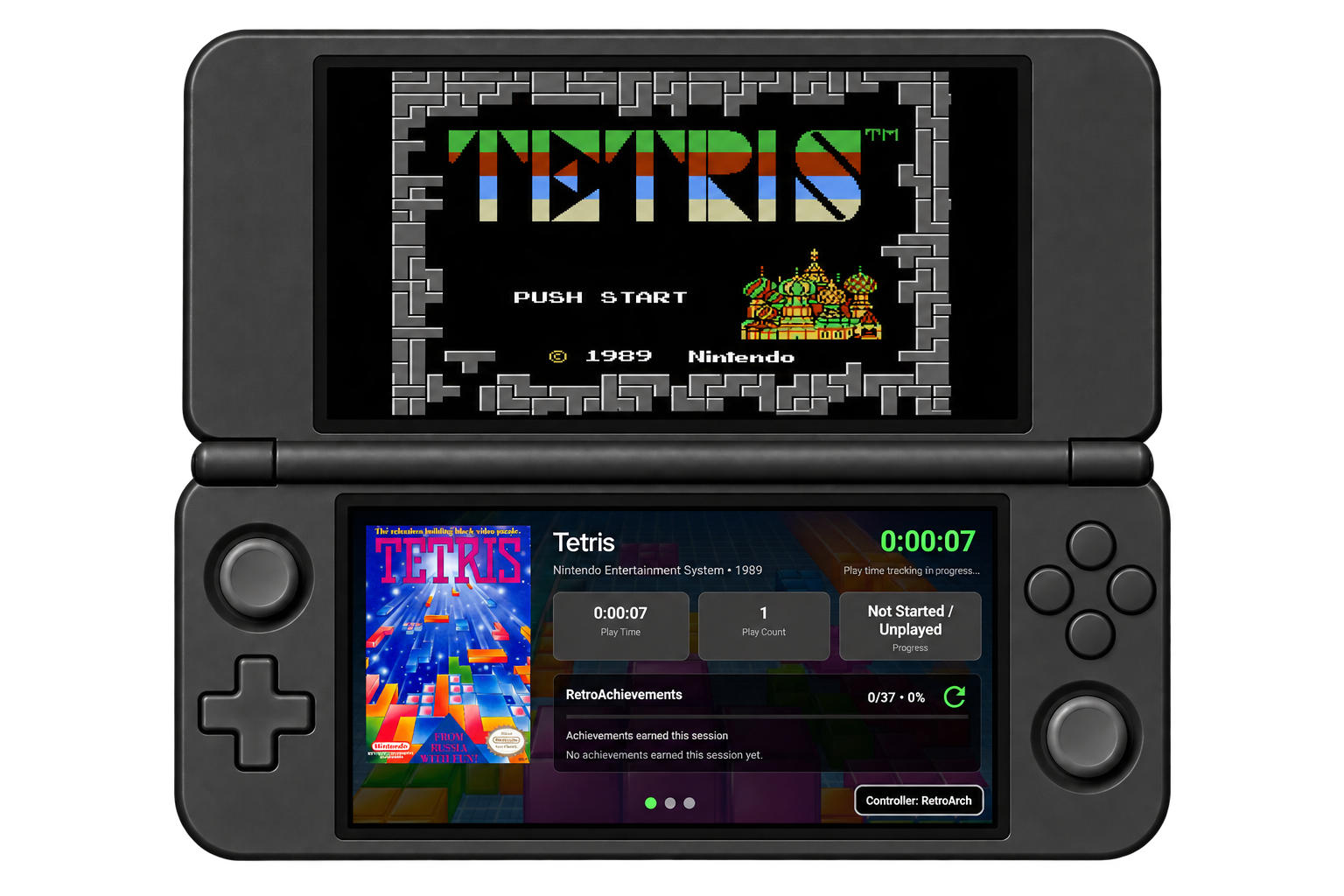
You can now browse your library on one display while the other automatically updates with details about the game you have highlighted. It makes better use of the extra screen and lets you compare games, enjoy their artwork, and decide what to play without repeatedly opening and closing menus.
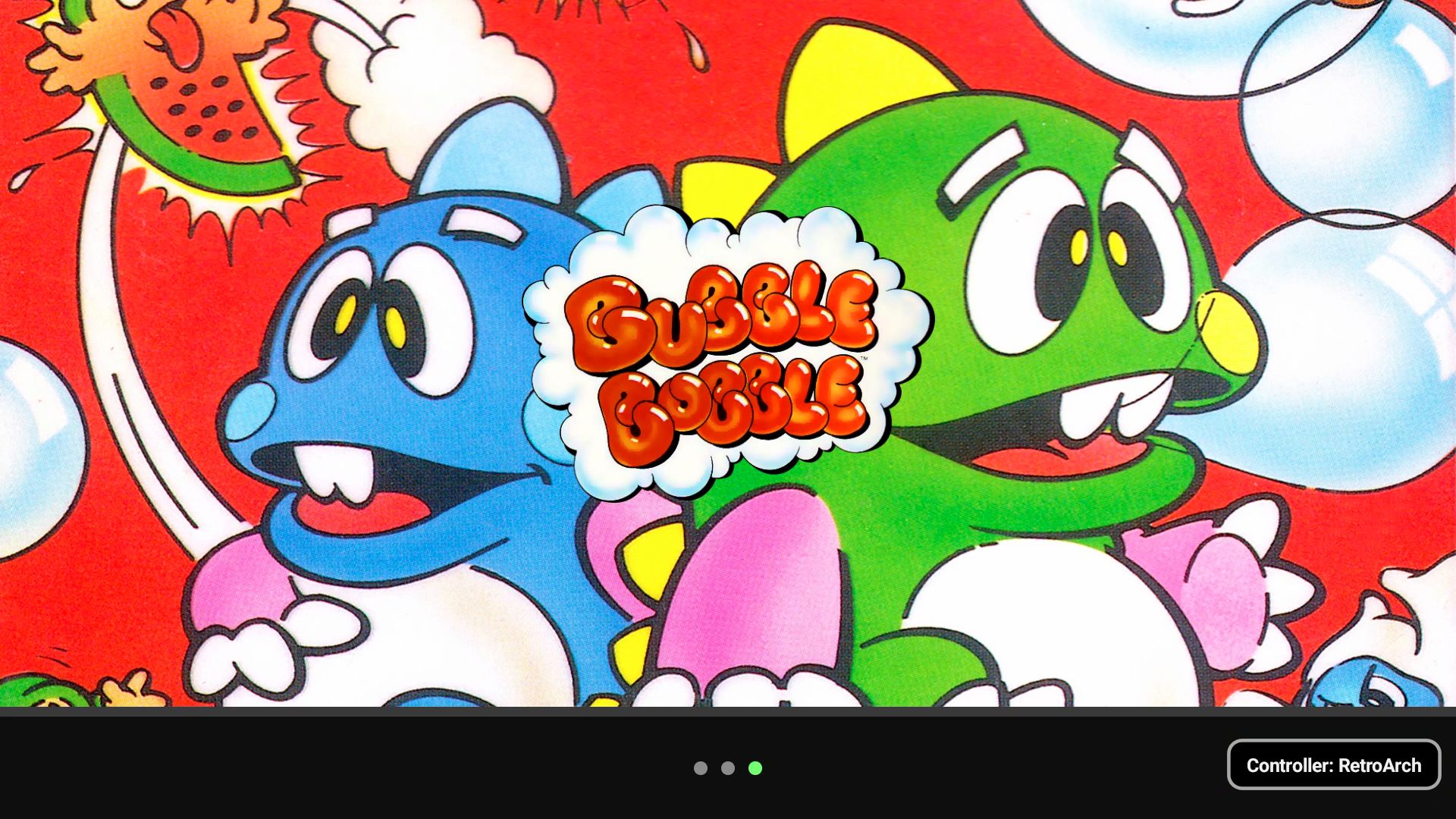
The experience can be adjusted to suit your device. You can swap the Library and Game Details screens, choose where supported emulators should open, and use touch or a controller across both displays. Focus indicators show which screen is currently receiving controller input.
The new Second Screen Views page lets you choose which details pages appear, change their order, select the page shown when a game starts, and hide pages you do not need during play. Installed themes can also provide their own second-screen pages.
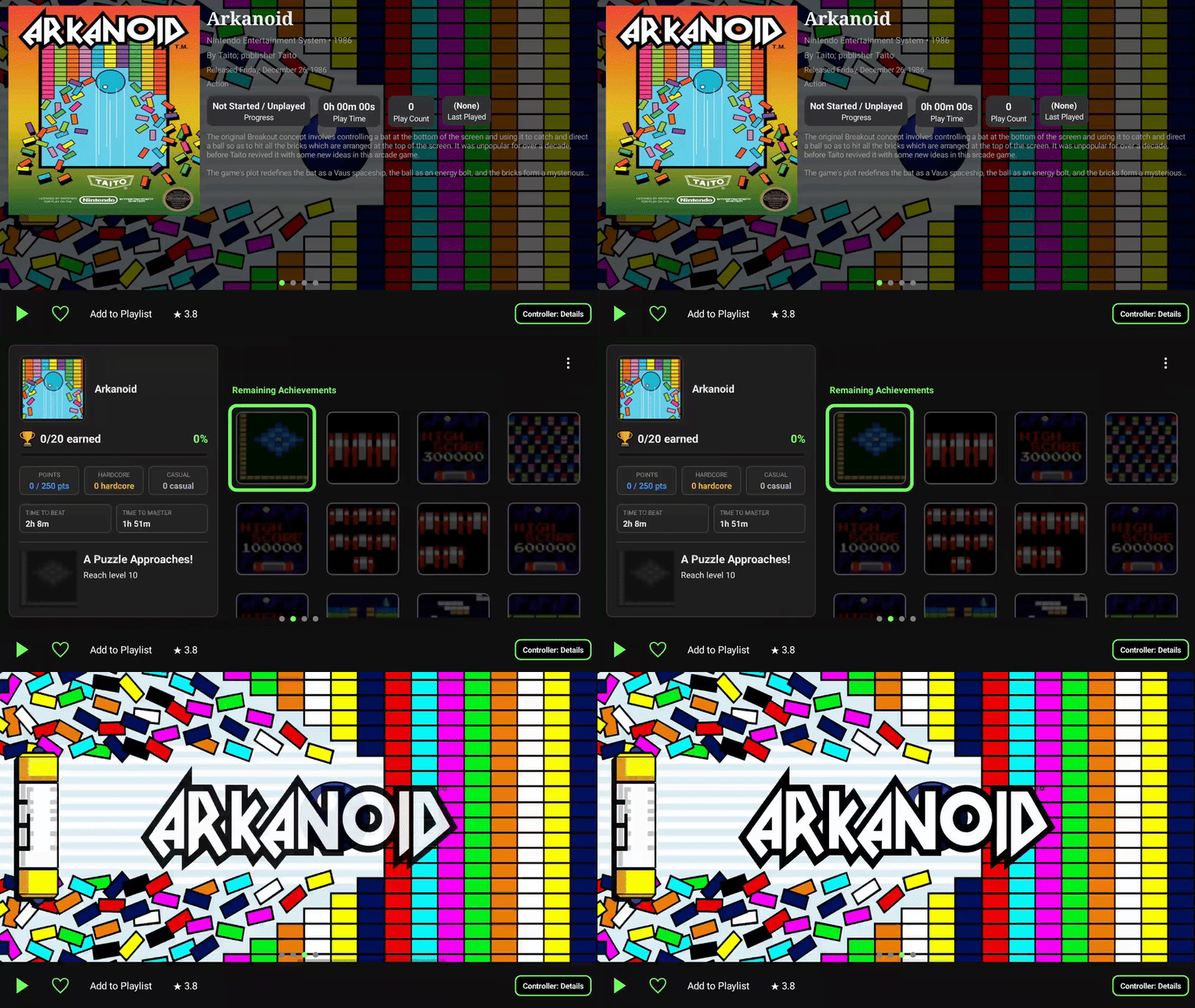
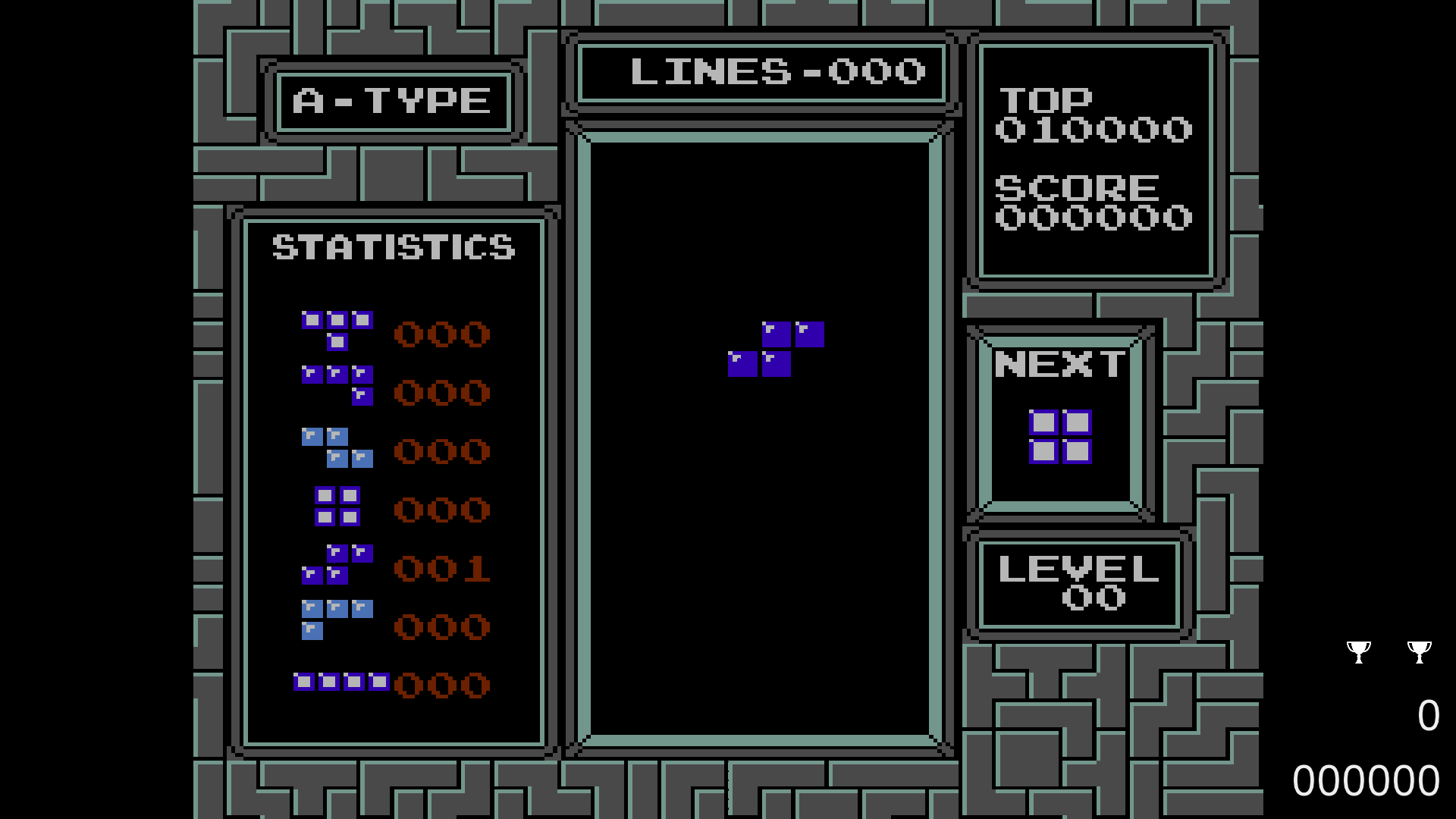
When a game launches on one display, the other can become an in-game companion. It can show session statistics, artwork, achievements earned during the current session, and a full achievement browser. Achievement information refreshes periodically while you play, when you open the achievement page, or whenever you request a manual refresh.
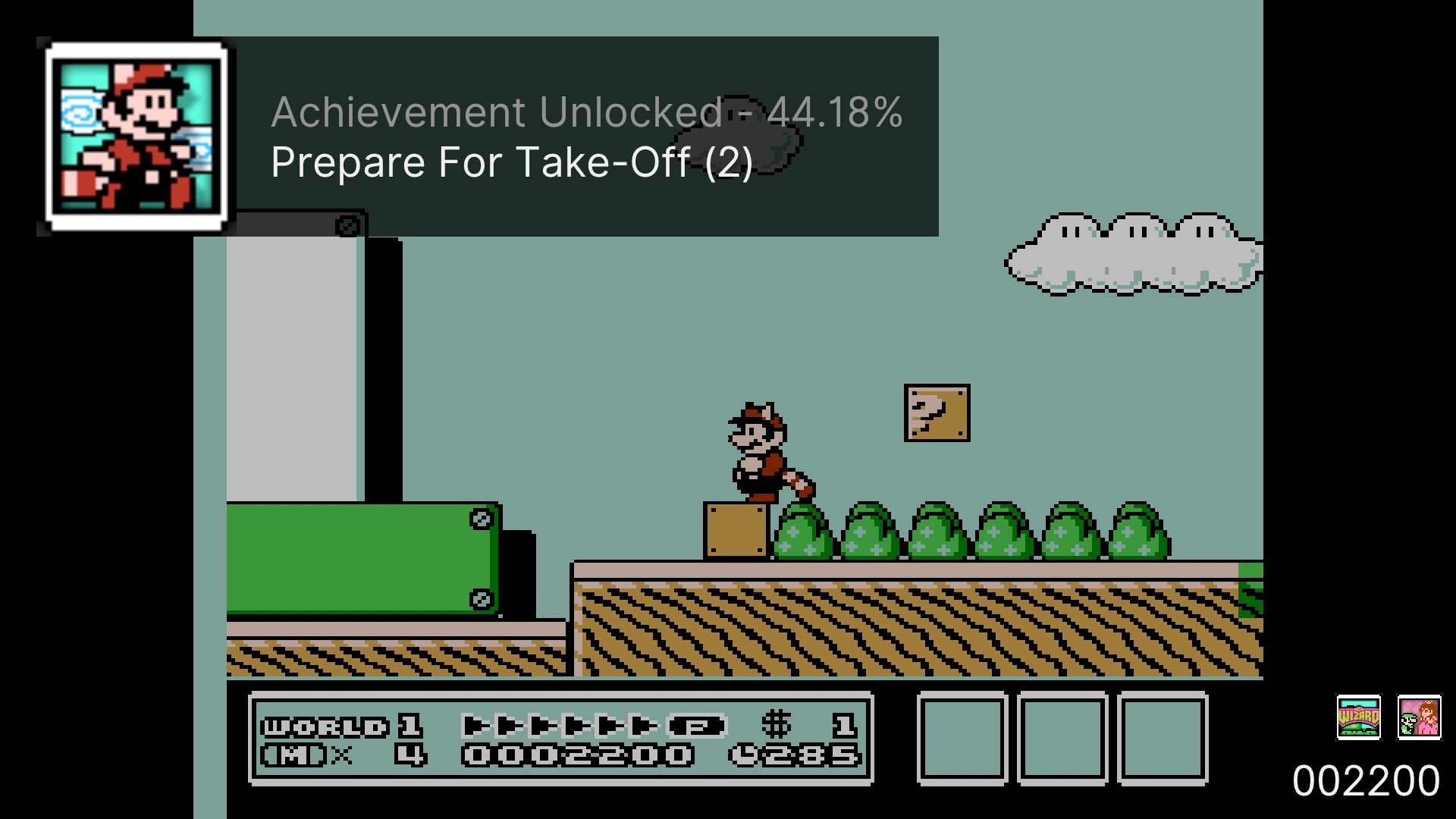
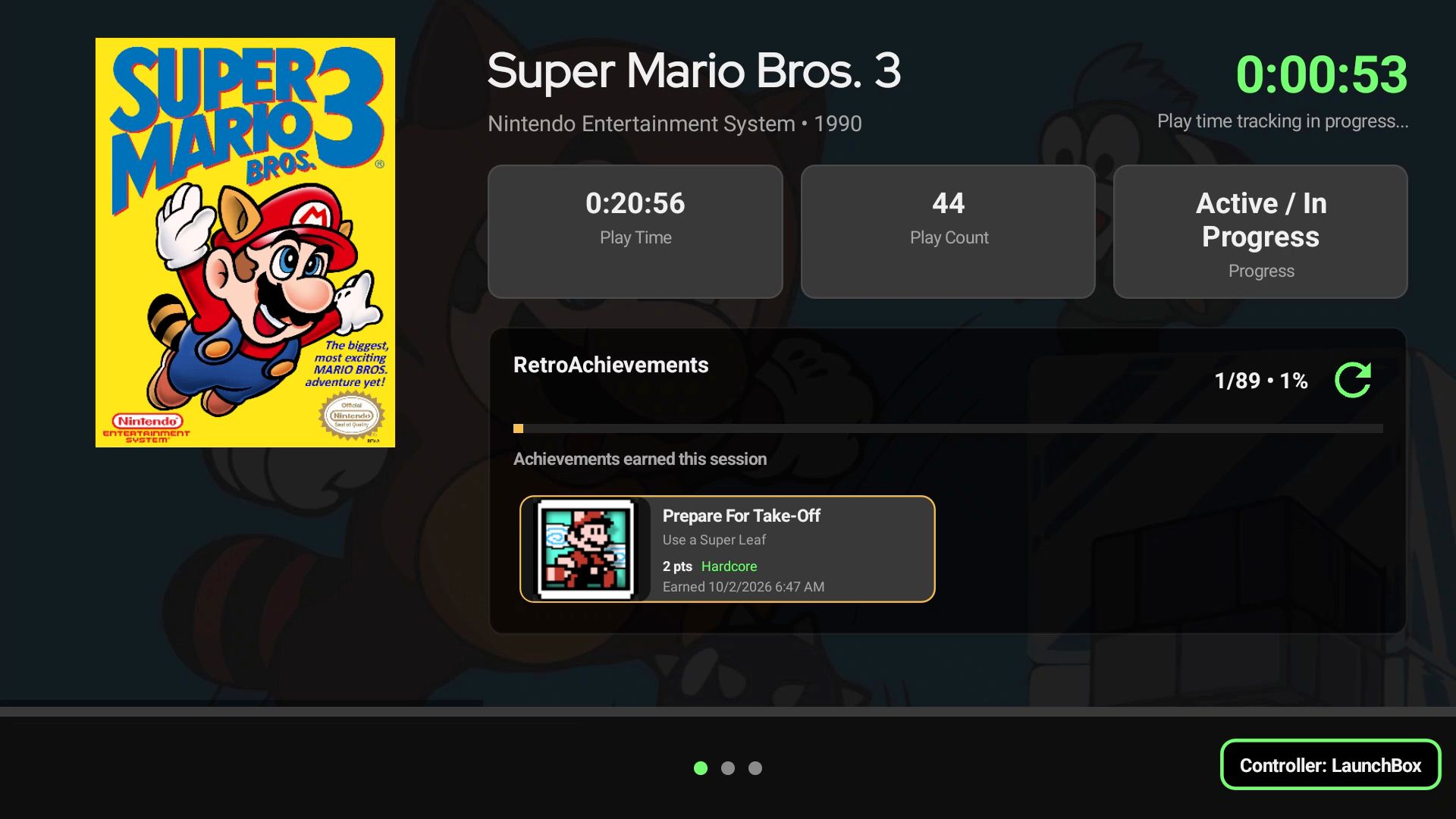
For example, you can run the game on your primary display and set Achievements as the Playing View on the second screen. This lets you check the next progression or missable achievement between levels without closing the emulator or reaching for another device. If you would rather keep an eye on the session itself, set Statistics as the Playing View instead, or display some beautiful artwork.
✨ Performance, Emulator Support, and Everyday Improvements
This release also includes extensive improvements across the rest of LaunchBox for Android.
Startup is faster, especially for larger libraries, and platform, filter, and game pages should load and respond more quickly. The Boxes Grid now offers smoother scrolling and controller navigation, together with new controls for image fit and horizontal and vertical spacing.
The Jump To menu now follows your current Sort By choice. Instead of always showing alphabetical groups, it can offer relevant choices such as release dates, ratings, platforms, or regions, making it easier to move through the way your library is currently organized.
Dozens of additional emulator configurations have been added across this release, covering systems such as Xbox 360, GameCube and Wii, Nintendo 3DS, Nintendo Switch, PSP, PlayStation Vita, Windows, Flash, and more.
New platforms have also been added:
Web Browsers
Microsoft Xbox 360
Sega Titan Video
Additional RetroArch core mappings have been added, and a new controller-friendly emulator selection window now shows which emulator choices are Installed and Not Installed before you select one.
NAS support has also been expanded. If automatic discovery is unavailable, you can now add an SMB connection manually using an IPv4 address, with either guest access or account credentials. Re-imports and Update Games scans have been made safer and more accurate, relinking games while preserving existing library information.
Media playback is more resilient, with improved streaming-video handling and automatic fallback to static artwork when a video is unavailable or invalid. Playtime now saves correctly after returning from an emulator, Cloud Sync recovers more cleanly when authentication expires, and fixes throughout the app improve controller navigation, game and playlist removal, emulator installation, popups, image loading, and general stability.
⚠️ Compatibility note: LaunchBox for Android 1.23 requires Android 8.0 or newer.
We are really excited to bring deeper achievement tracking and a purpose-built dual-screen experience to LaunchBox for Android. Whether you are chasing a mastery, setting up a new handheld, or simply browsing a large collection, version 1.23 makes more of the experience available directly from your device.
For the full list of changes, visit our complete changelog below.
🔗 LaunchBox for Android Changelog