Changelog

Follow new updates and improvements to LaunchBox.

LaunchBox for Android 1.23
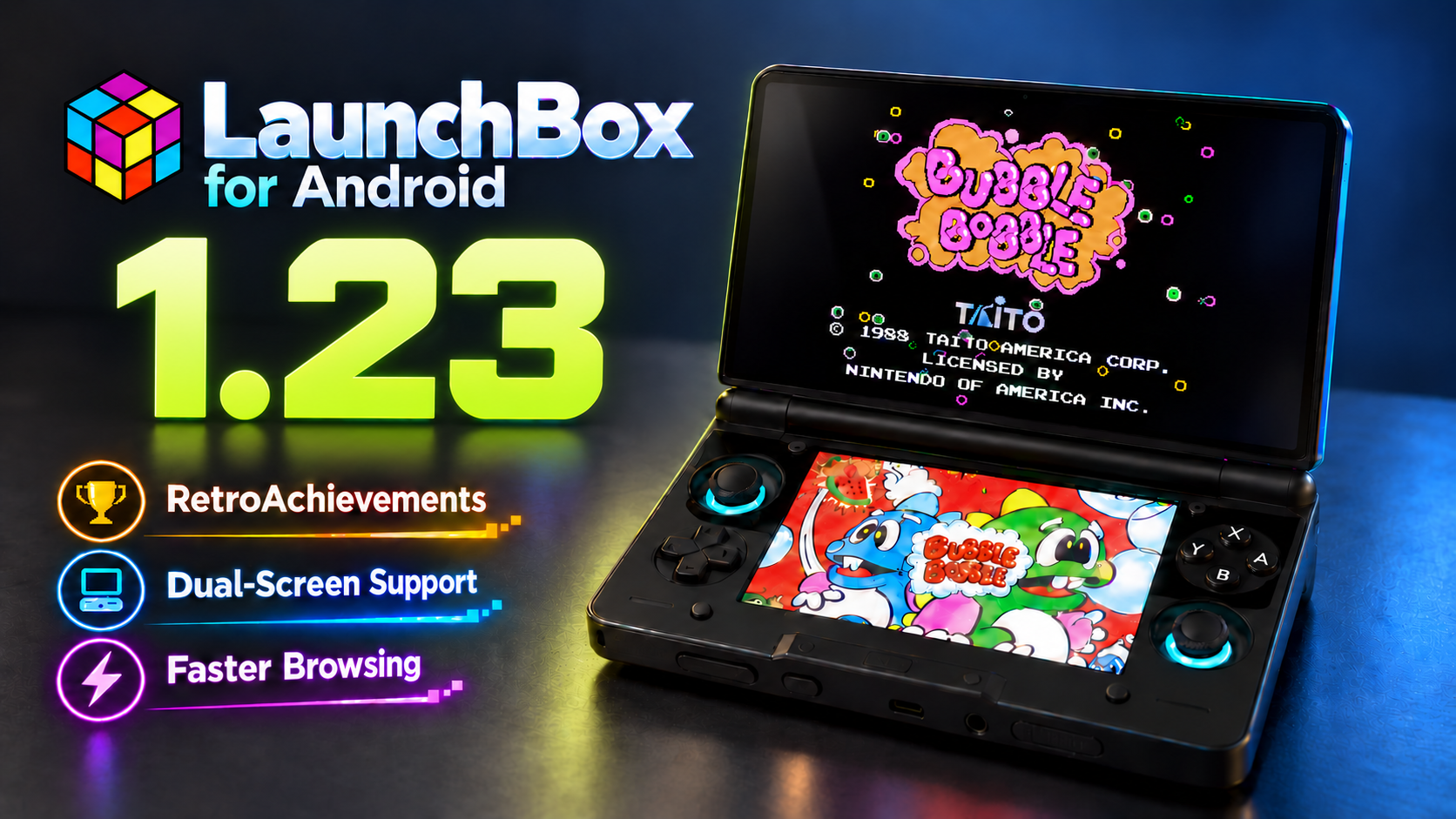
We are excited to roll out LaunchBox for Android 1.23! This update brings RetroAchievements to LaunchBox for Android for the first time, introduces an entirely new experience for supported dual-screen devices, speeds up browsing for larger libraries, adds dozens of emulator configurations, improves NAS support, and delivers a wide range of reliability improvements throughout the app.

For the full list of changes, visit our complete changelog below.

๐Ÿ”— LaunchBox for Android Changelog


Release Video


๐Ÿ† Your RetroAchievements Journey, Now on Android

For more details on this feature, see our dedicated guide:

RetroAchievements in LaunchBox for Android

One of the biggest additions in this release is the arrival of RetroAchievements in LaunchBox for Android. For the first time, you can connect your RetroAchievements account and explore your achievement progress directly from your Android library.

RetroAchievements now has its own dedicated section in the main menu. From there, you can connect your account, view your profile, check key statistics, browse recently played games and recent activity, and open the global leaderboard without leaving LaunchBox.

Achievement pages have been designed for phones and handhelds, with both Grid and List layouts. You can search for a particular achievement, change how the set is grouped or sorted, and filter the page to show earned, not earned, progression, missable, win-condition, and other achievement types.
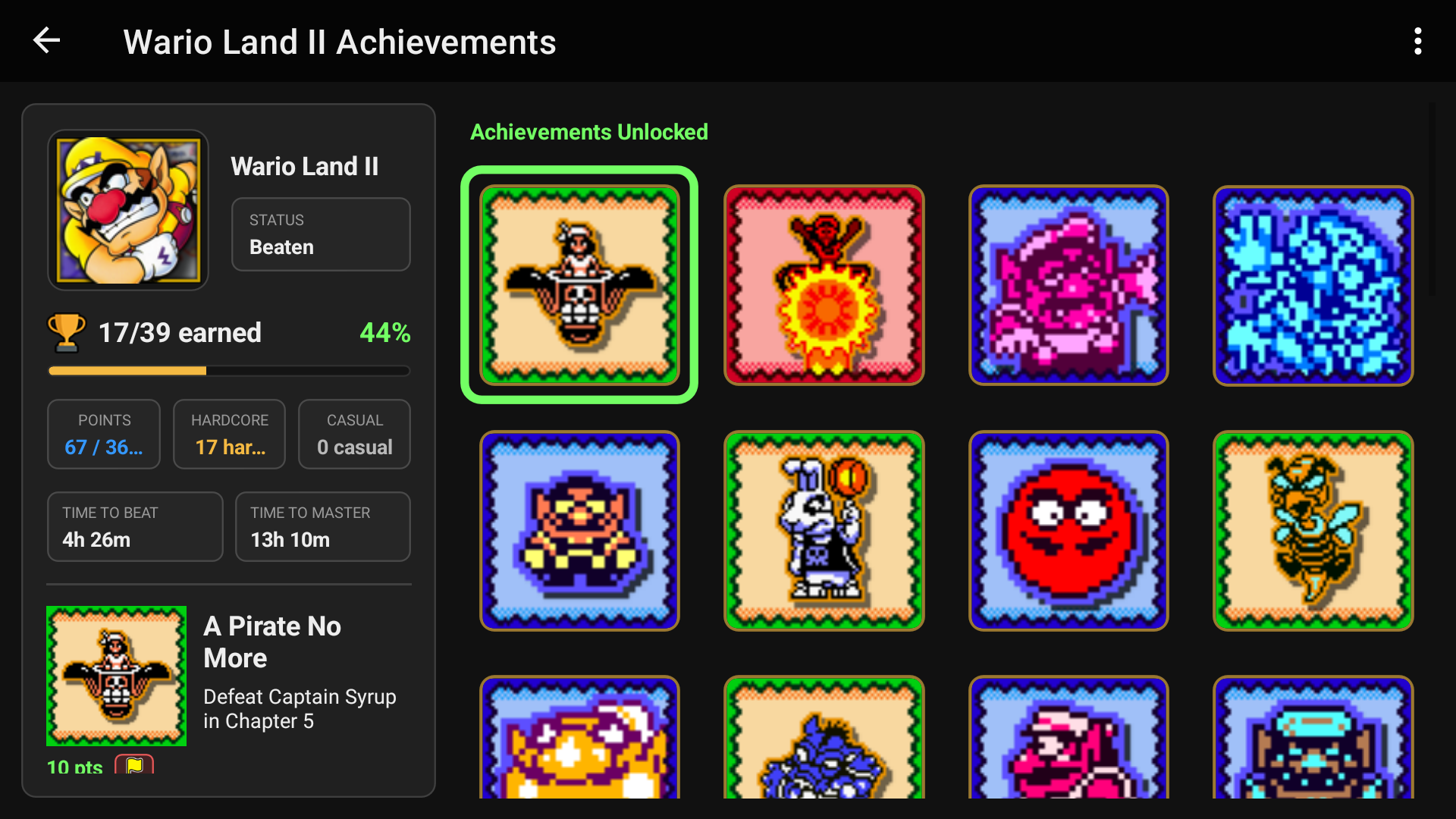
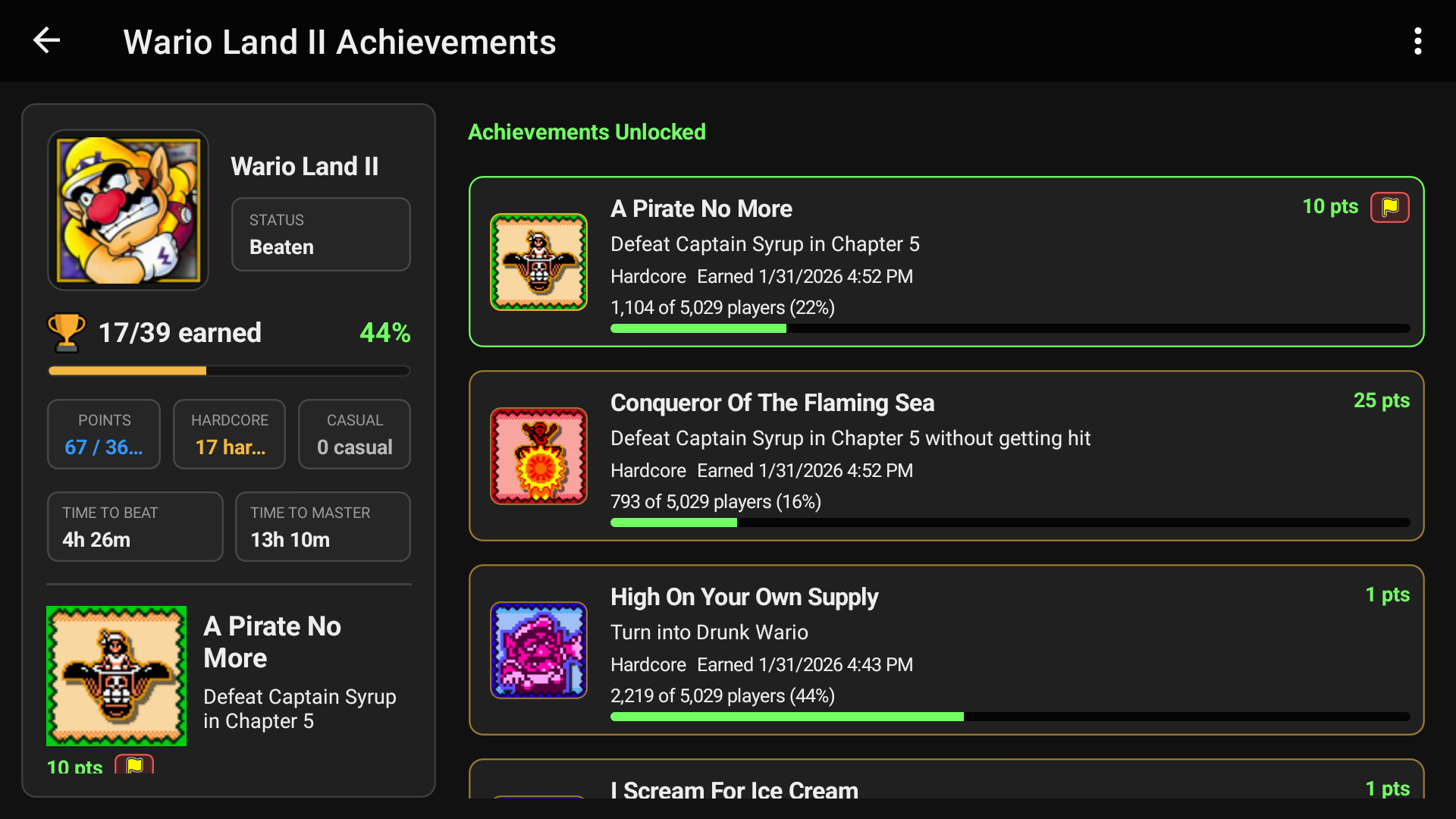
Grid View
List View

For example, you can sort an achievement set by itโ€™s achievement type to easily we Win & Progression achievements, and even filter it to show only achievements you have Not Earned yet, giving you a clear idea of what to tackle next.
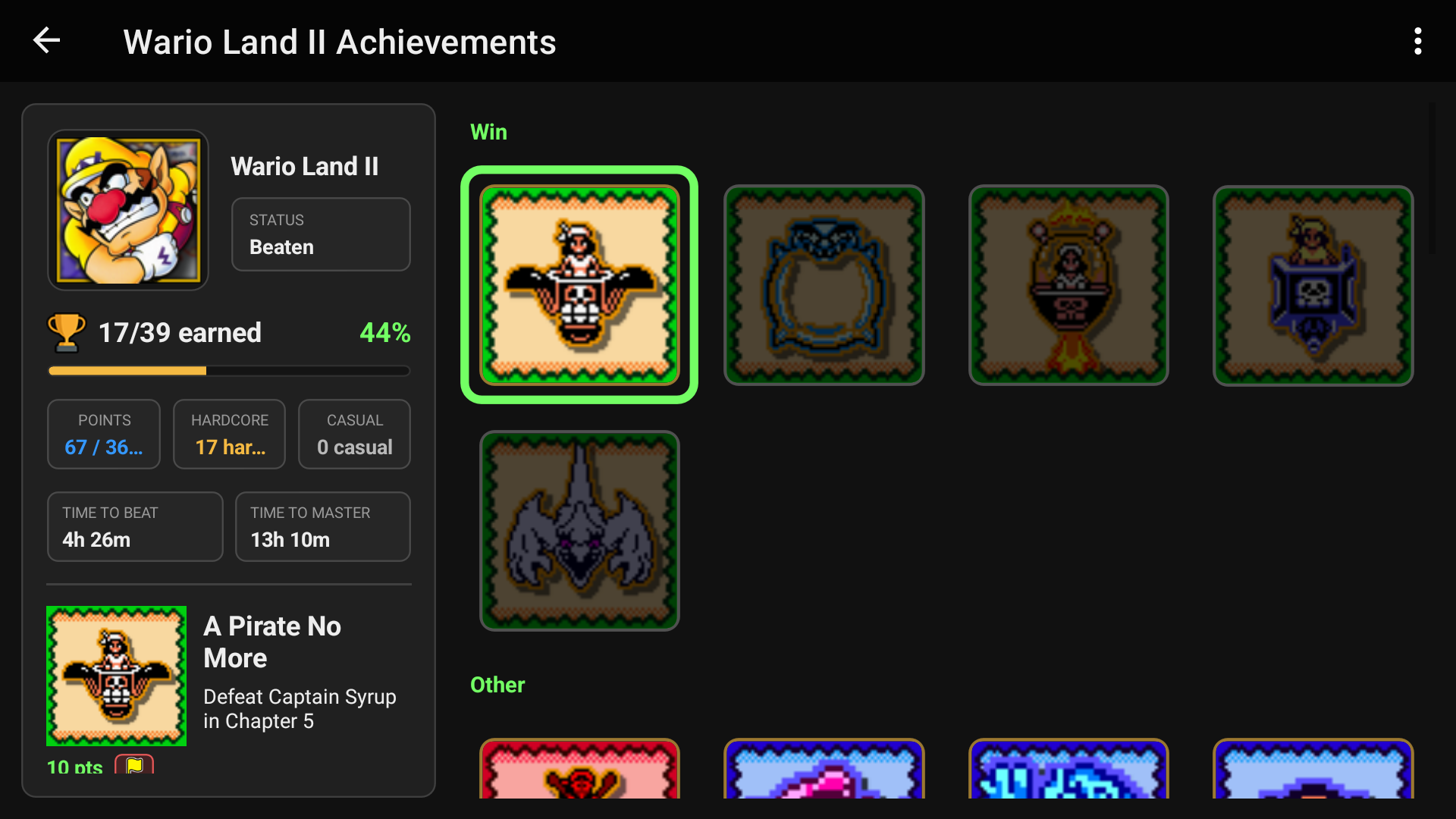
If you need help, you can tap an achievement to read comments pulled directly from the RetroAchievements website and get tips from the community without ever leaving LaunchBox.
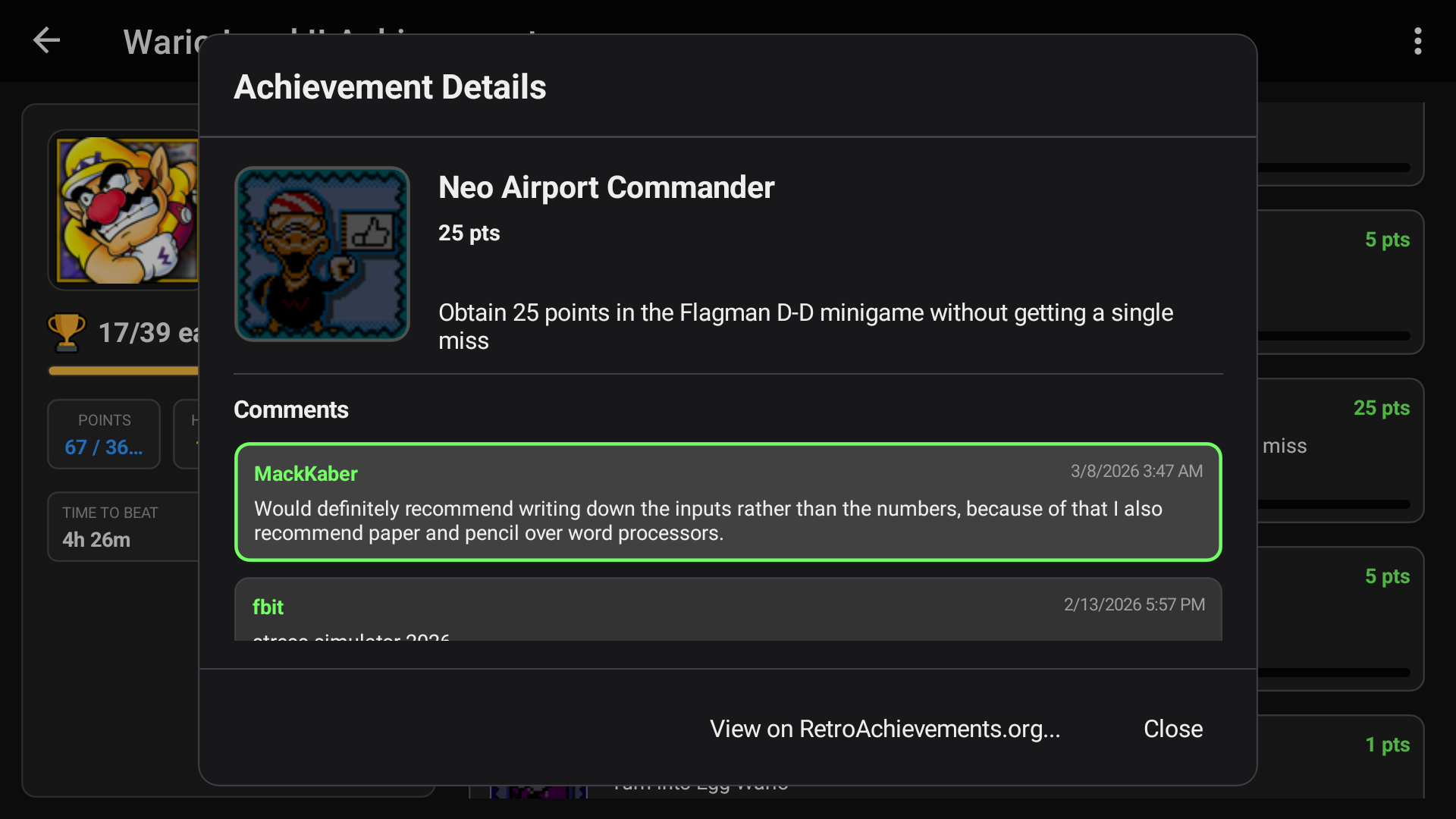
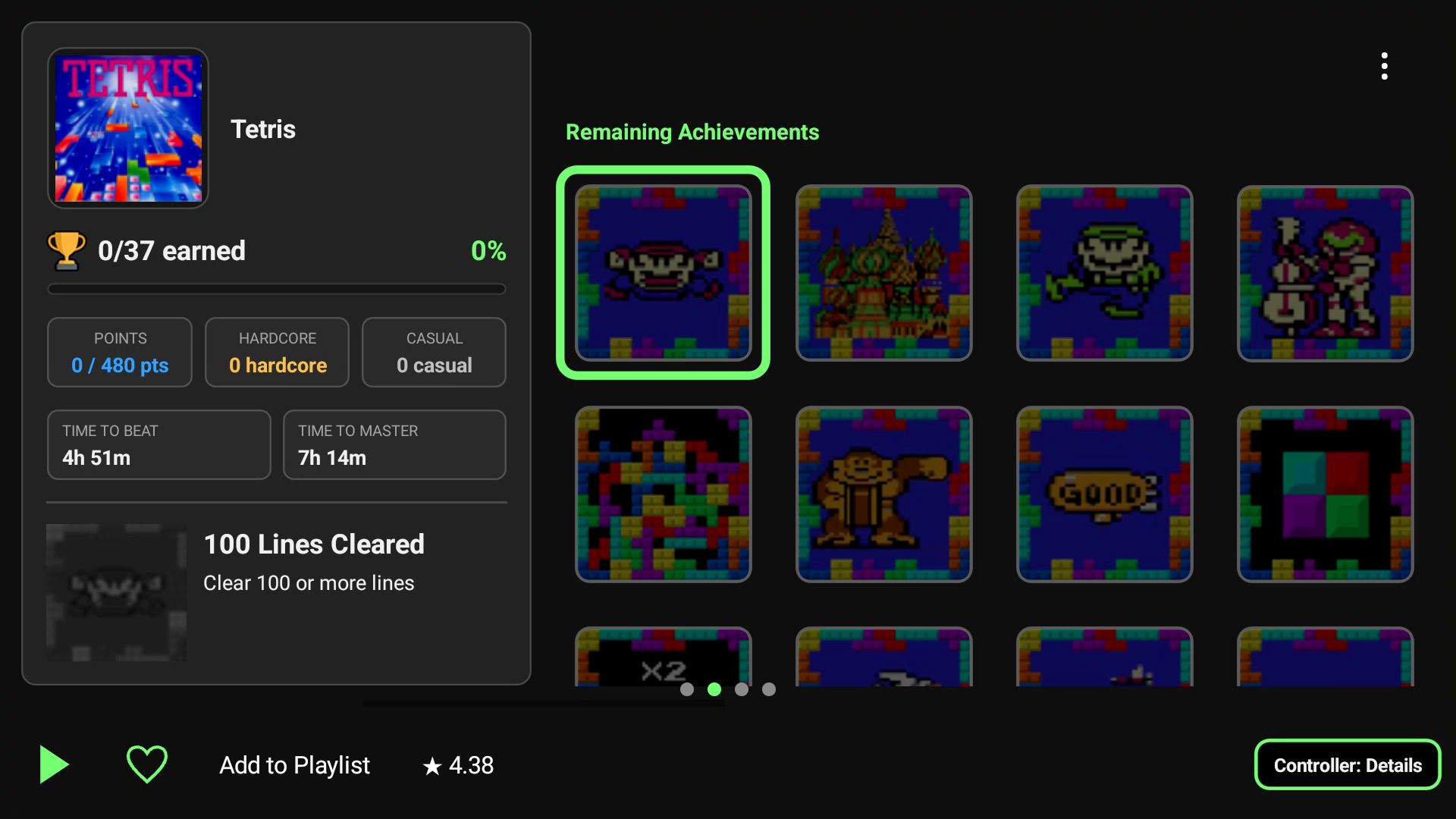
Supported game details views can now show a compact summary of your RetroAchievements progress, including achievements earned, completion percentage, earned points, and estimated times to beat or master the game.
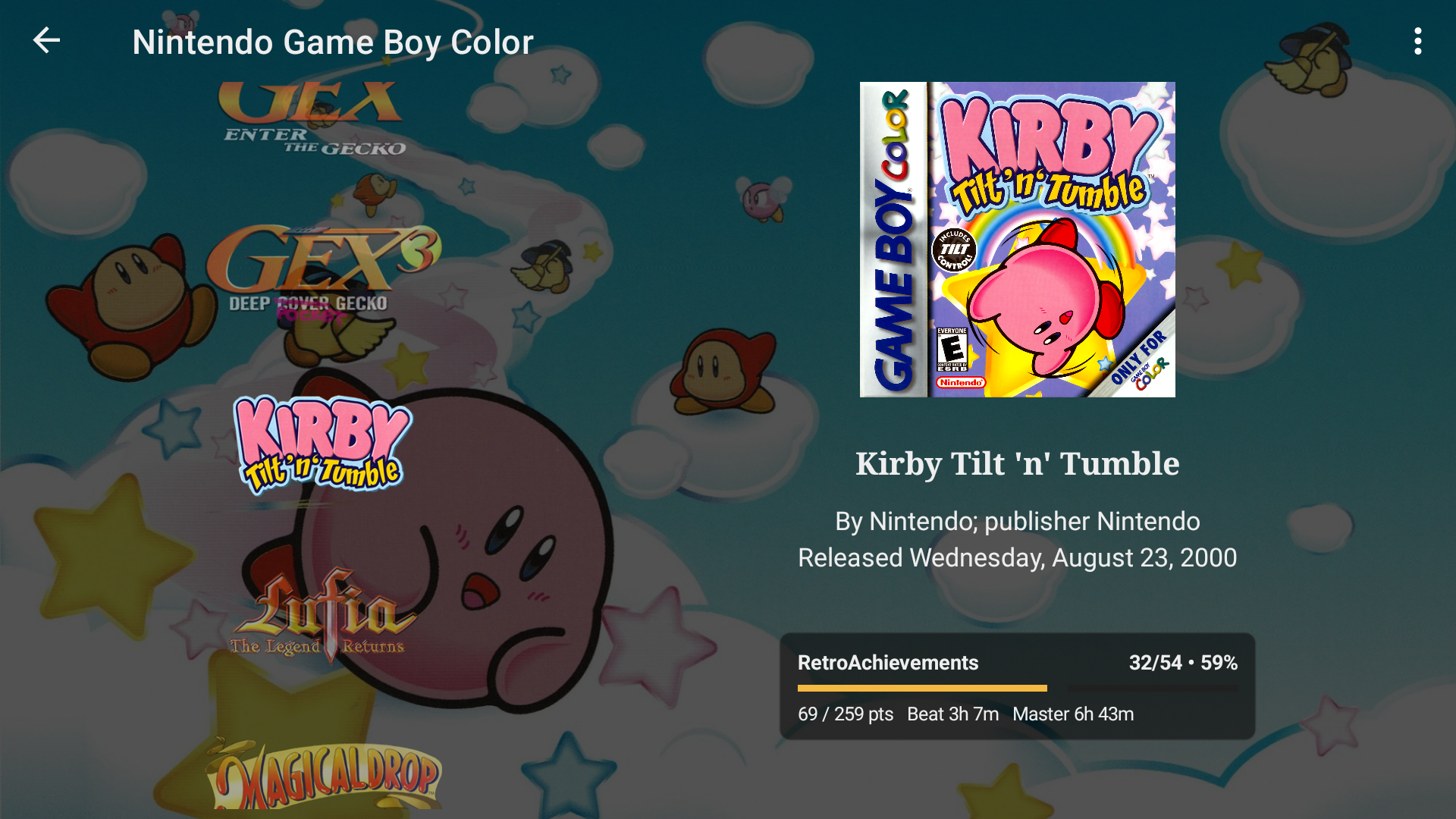
Once you sign in to RetroAchievements through LaunchBox, it can handle setting up your credentials directly in supported RetroArch installations. There is no separate RetroArch configuration required: simply launch a compatible game through LaunchBox and start earning achievements.


๐Ÿ“ฑ Dual-Screen Support Is Here: More Room to Browse and Play

For more details on this feature, see our dedicated guide:

Using Dual Screens in LaunchBox for Android

LaunchBox for Android 1.23 introduces a new experience built for supported dual-screen Android devices.
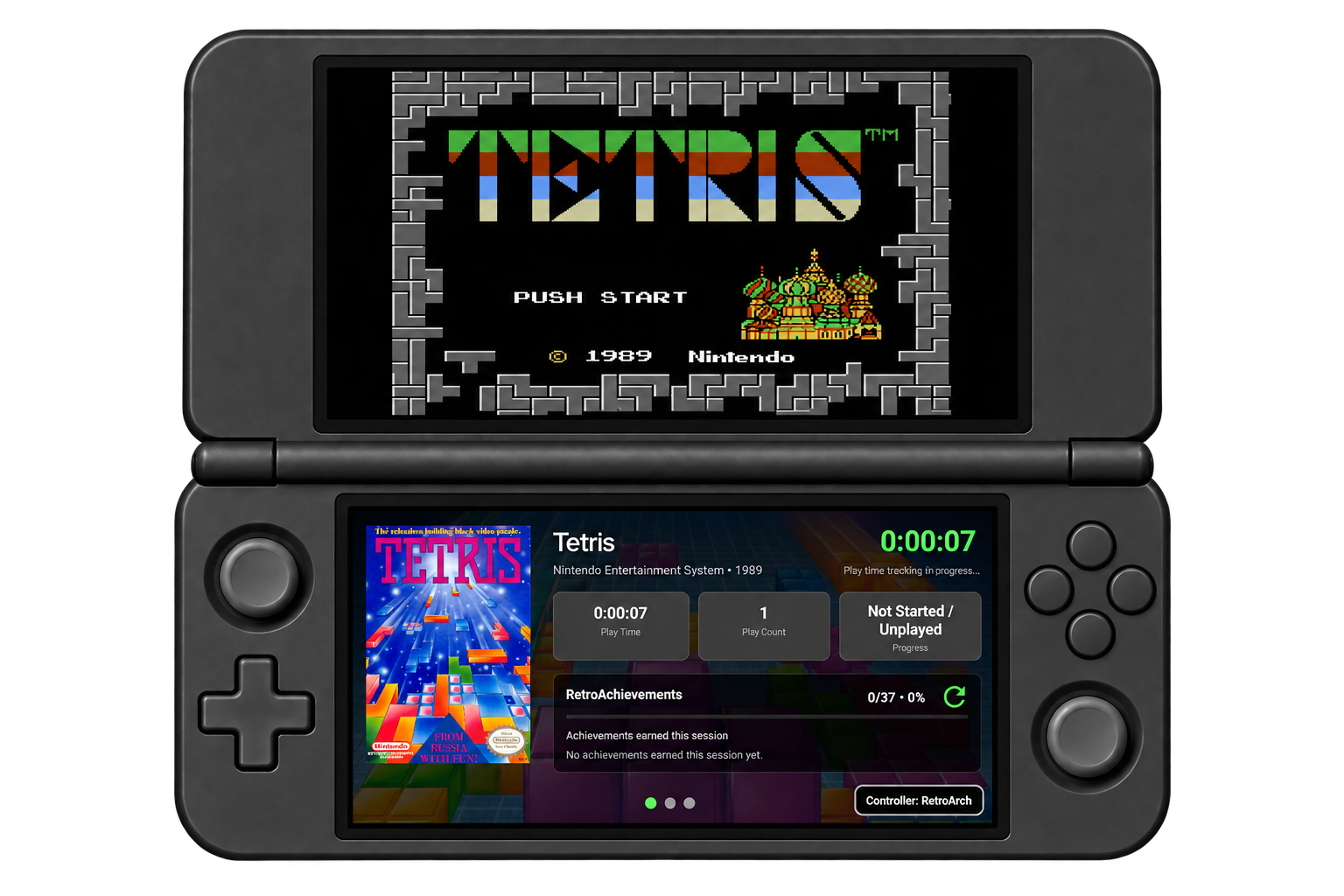
You can now browse your library on one display while the other automatically updates with details about the game you have highlighted. It makes better use of the extra screen and lets you compare games, enjoy their artwork, and decide what to play without repeatedly opening and closing menus.
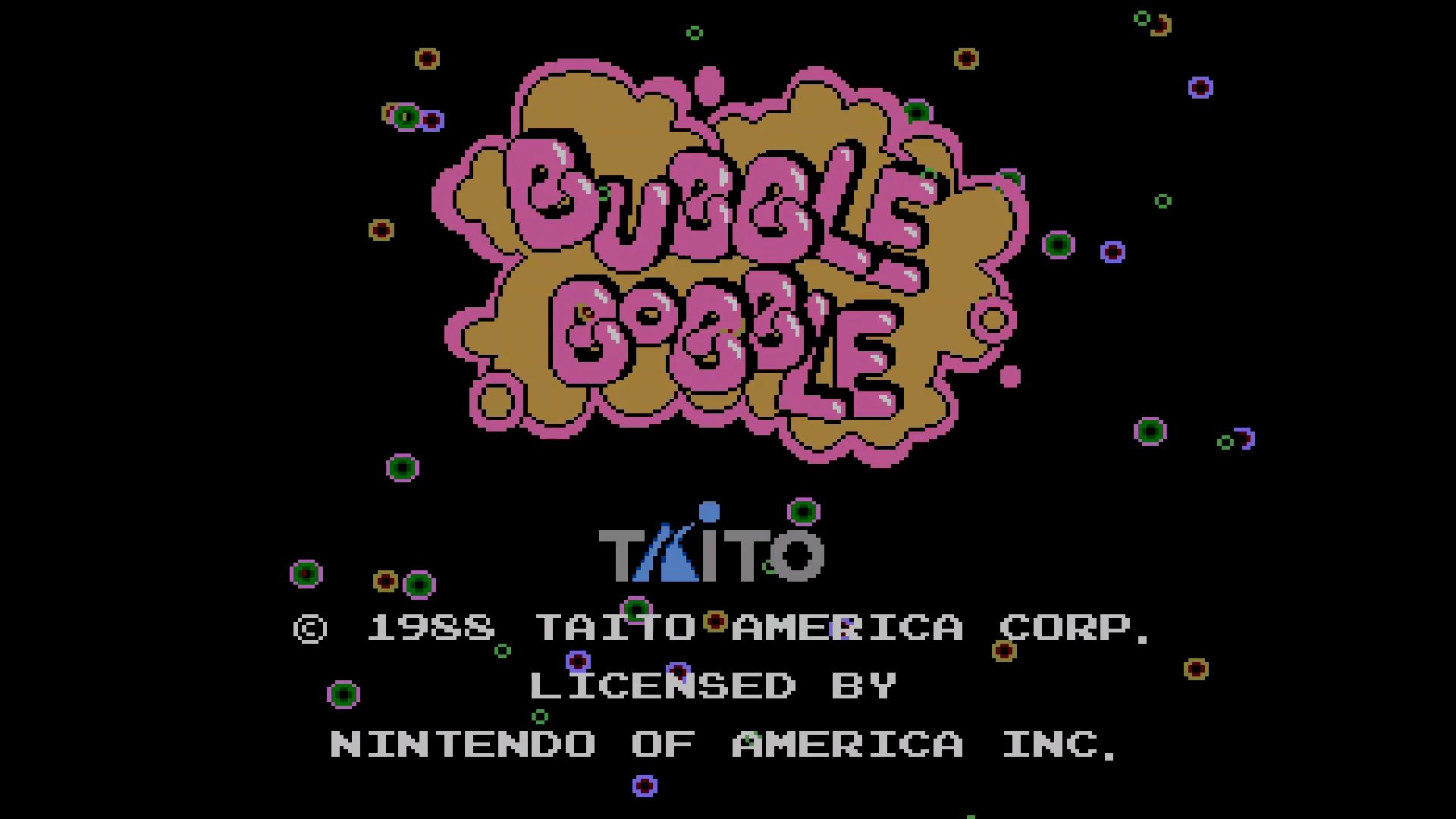
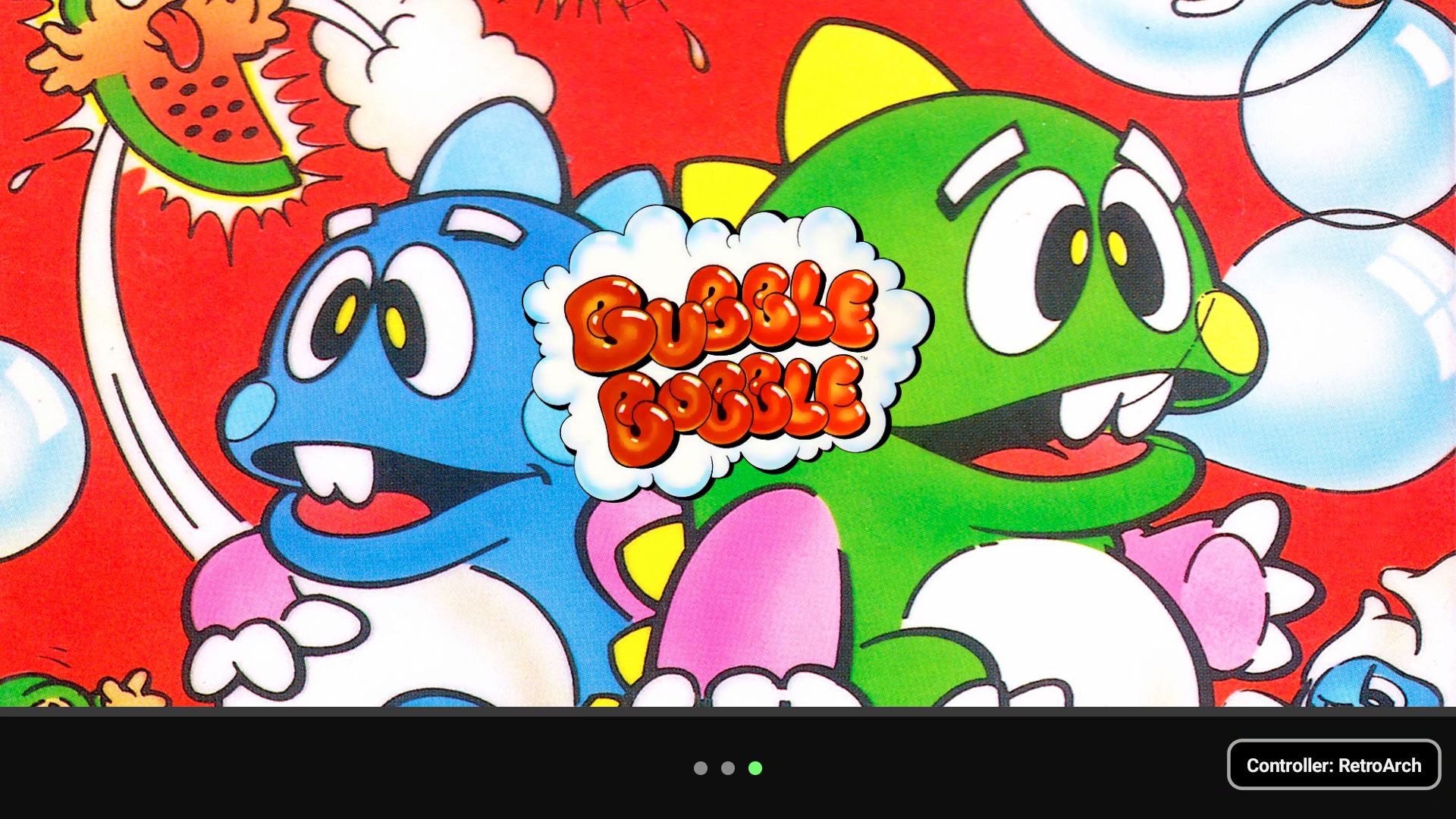
The experience can be adjusted to suit your device. You can swap the Library and Game Details screens, choose where supported emulators should open, and use touch or a controller across both displays. Focus indicators show which screen is currently receiving controller input.

The new Second Screen Views page lets you choose which details pages appear, change their order, select the page shown when a game starts, and hide pages you do not need during play. Installed themes can also provide their own second-screen pages.
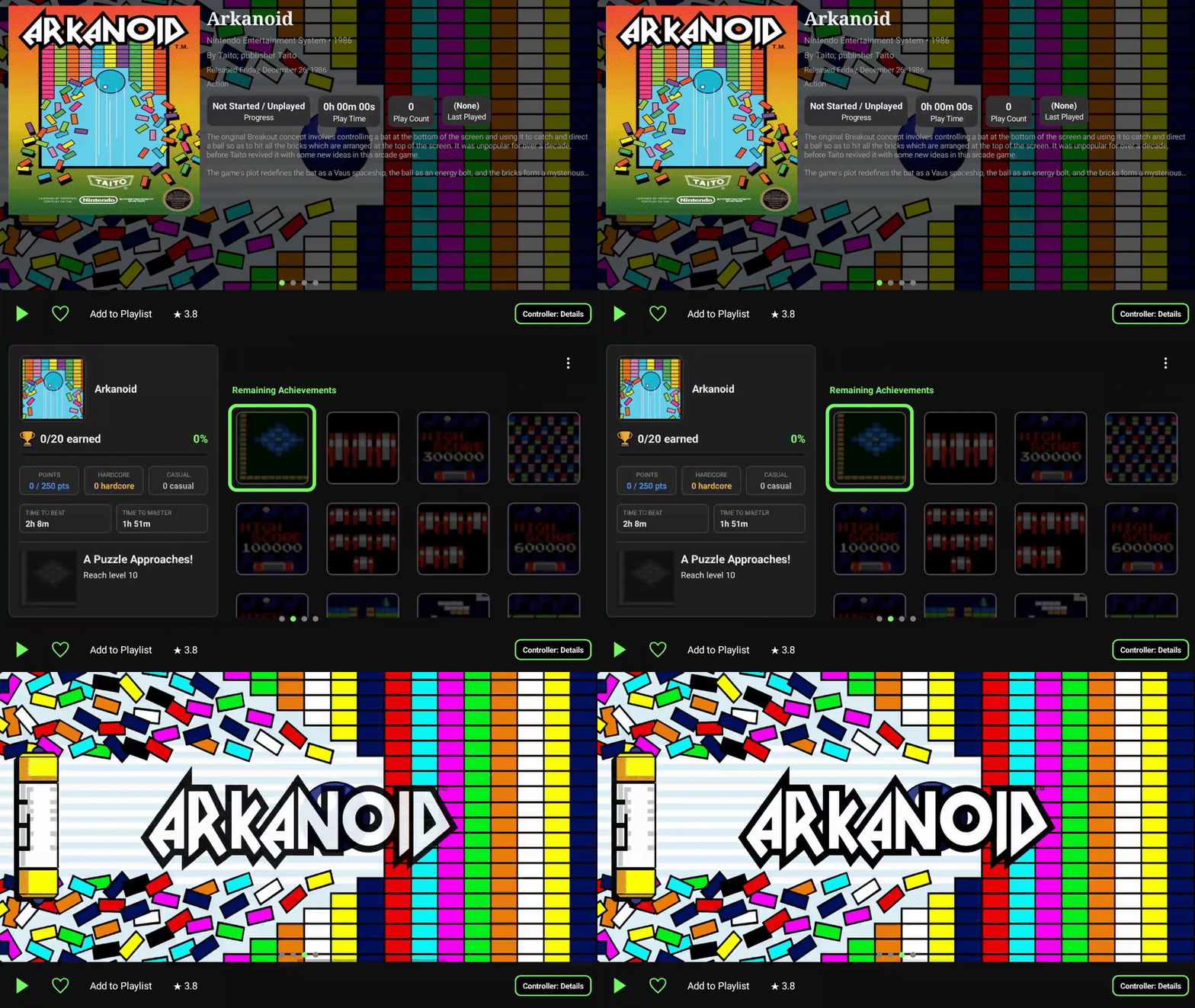
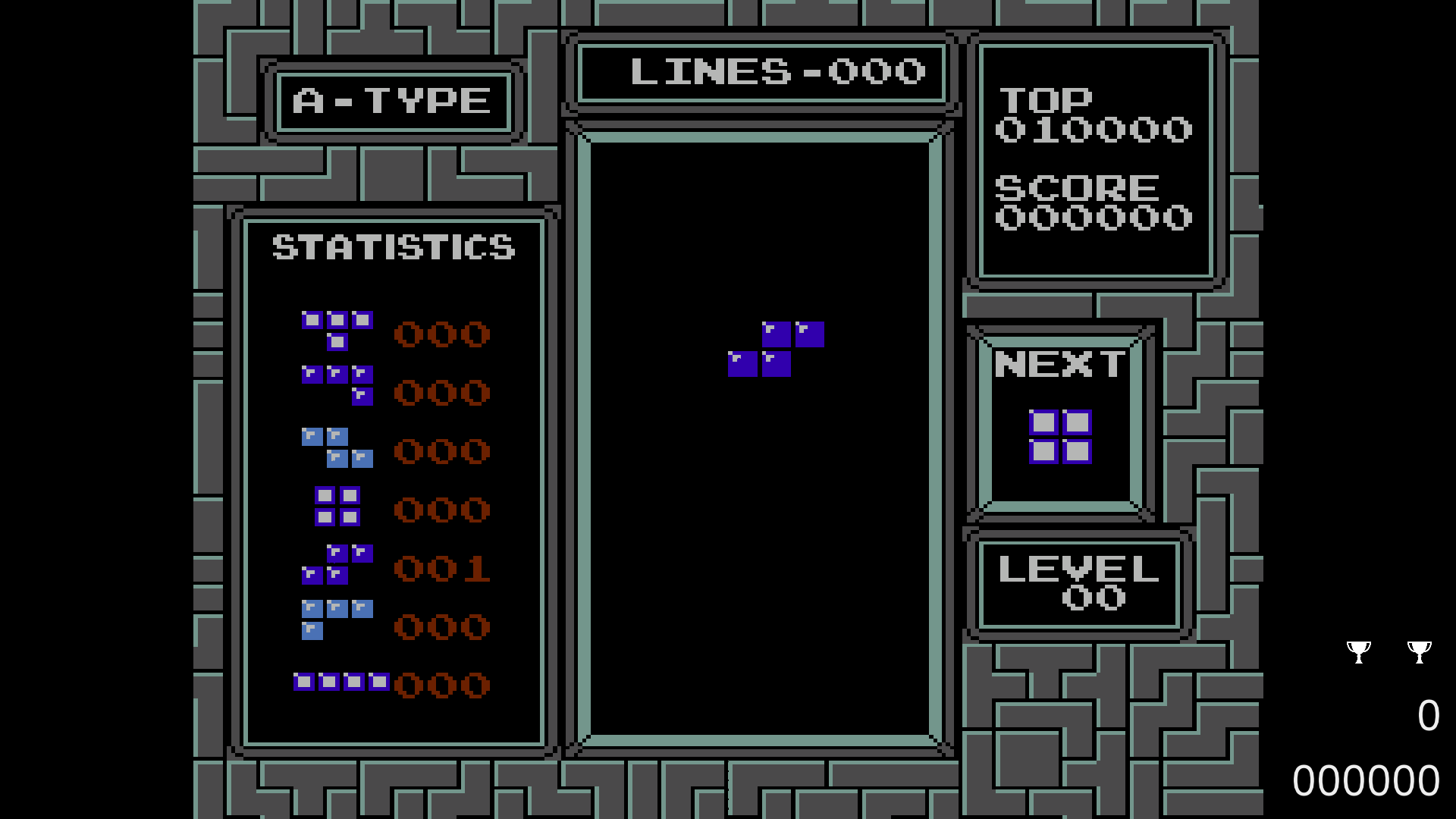
When a game launches on one display, the other can become an in-game companion. It can show session statistics, artwork, achievements earned during the current session, and a full achievement browser. Achievement information refreshes periodically while you play, when you open the achievement page, or whenever you request a manual refresh.
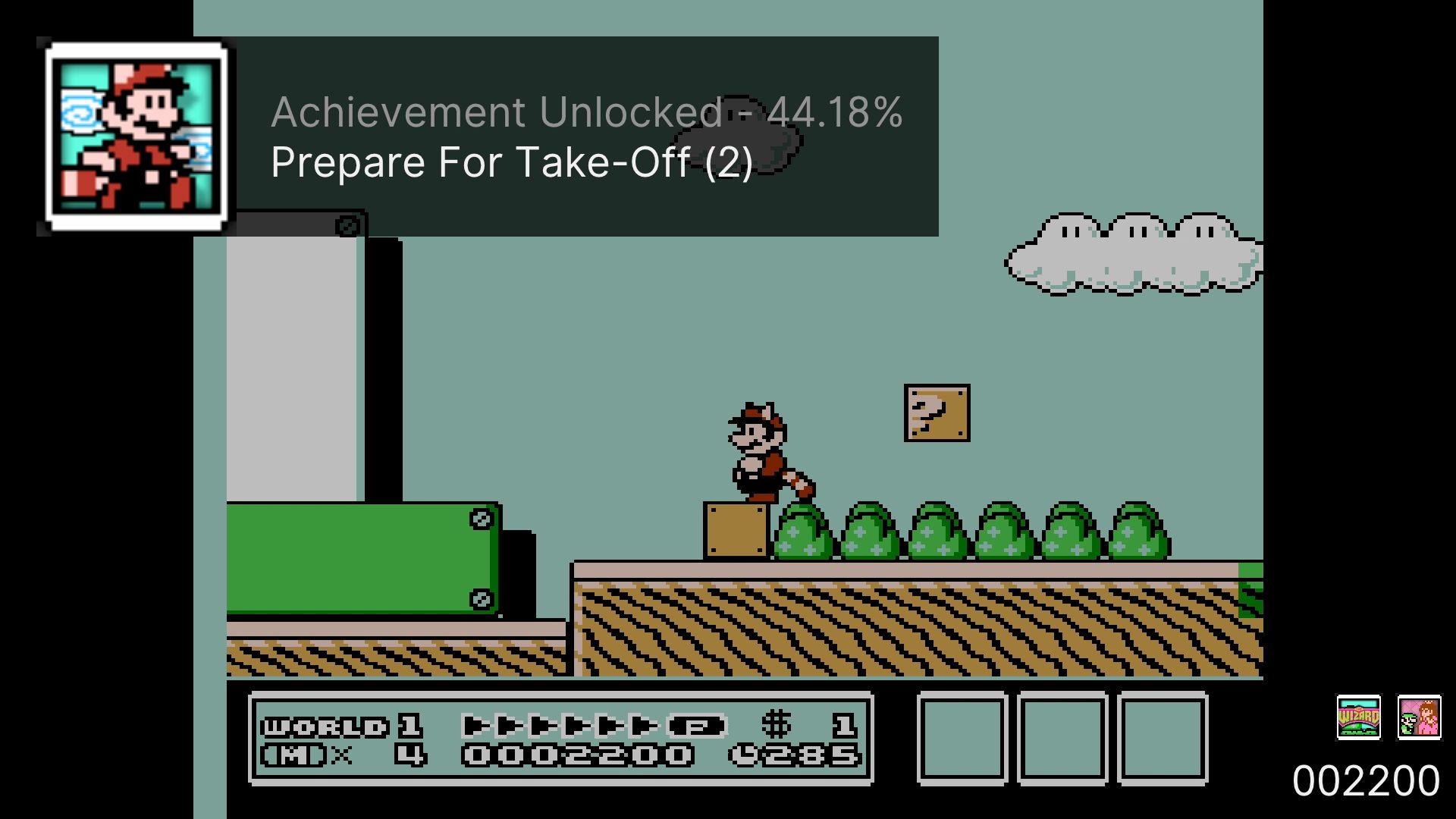
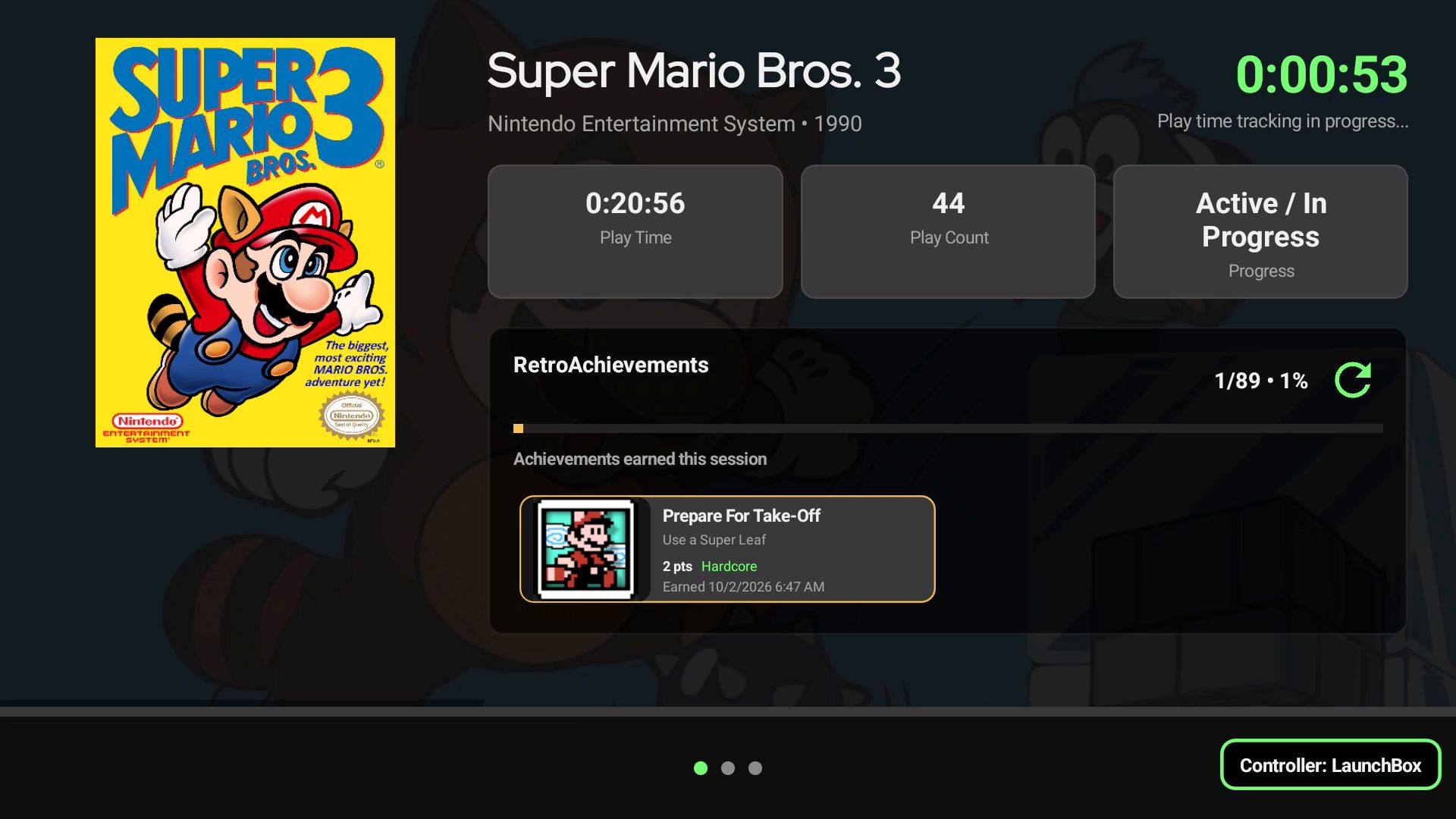
For example, you can run the game on your primary display and set Achievements as the Playing View on the second screen. This lets you check the next progression or missable achievement between levels without closing the emulator or reaching for another device. If you would rather keep an eye on the session itself, set Statistics as the Playing View instead, or display some beautiful artwork.
โœจ Performance, Emulator Support, and Everyday Improvements

This release also includes extensive improvements across the rest of LaunchBox for Android.

Startup is faster, especially for larger libraries, and platform, filter, and game pages should load and respond more quickly. The Boxes Grid now offers smoother scrolling and controller navigation, together with new controls for image fit and horizontal and vertical spacing.

The Jump To menu now follows your current Sort By choice. Instead of always showing alphabetical groups, it can offer relevant choices such as release dates, ratings, platforms, or regions, making it easier to move through the way your library is currently organized.

Dozens of additional emulator configurations have been added across this release, covering systems such as Xbox 360, GameCube and Wii, Nintendo 3DS, Nintendo Switch, PSP, PlayStation Vita, Windows, Flash, and more.

New platforms have also been added:

  • Web Browsers

  • Microsoft Xbox 360

  • Sega Titan Video

Additional RetroArch core mappings have been added, and a new controller-friendly emulator selection window now shows which emulator choices are Installed and Not Installed before you select one.

NAS support has also been expanded. If automatic discovery is unavailable, you can now add an SMB connection manually using an IPv4 address, with either guest access or account credentials. Re-imports and Update Games scans have been made safer and more accurate, relinking games while preserving existing library information.

Media playback is more resilient, with improved streaming-video handling and automatic fallback to static artwork when a video is unavailable or invalid. Playtime now saves correctly after returning from an emulator, Cloud Sync recovers more cleanly when authentication expires, and fixes throughout the app improve controller navigation, game and playlist removal, emulator installation, popups, image loading, and general stability.

โš ๏ธ Compatibility note: LaunchBox for Android 1.23 requires Android 8.0 or newer.


We are really excited to bring deeper achievement tracking and a purpose-built dual-screen experience to LaunchBox for Android. Whether you are chasing a mastery, setting up a new handheld, or simply browsing a large collection, version 1.23 makes more of the experience available directly from your device.

For the full list of changes, visit our complete changelog below.

๐Ÿ”— LaunchBox for Android Changelog
LaunchBox for Android 1.22

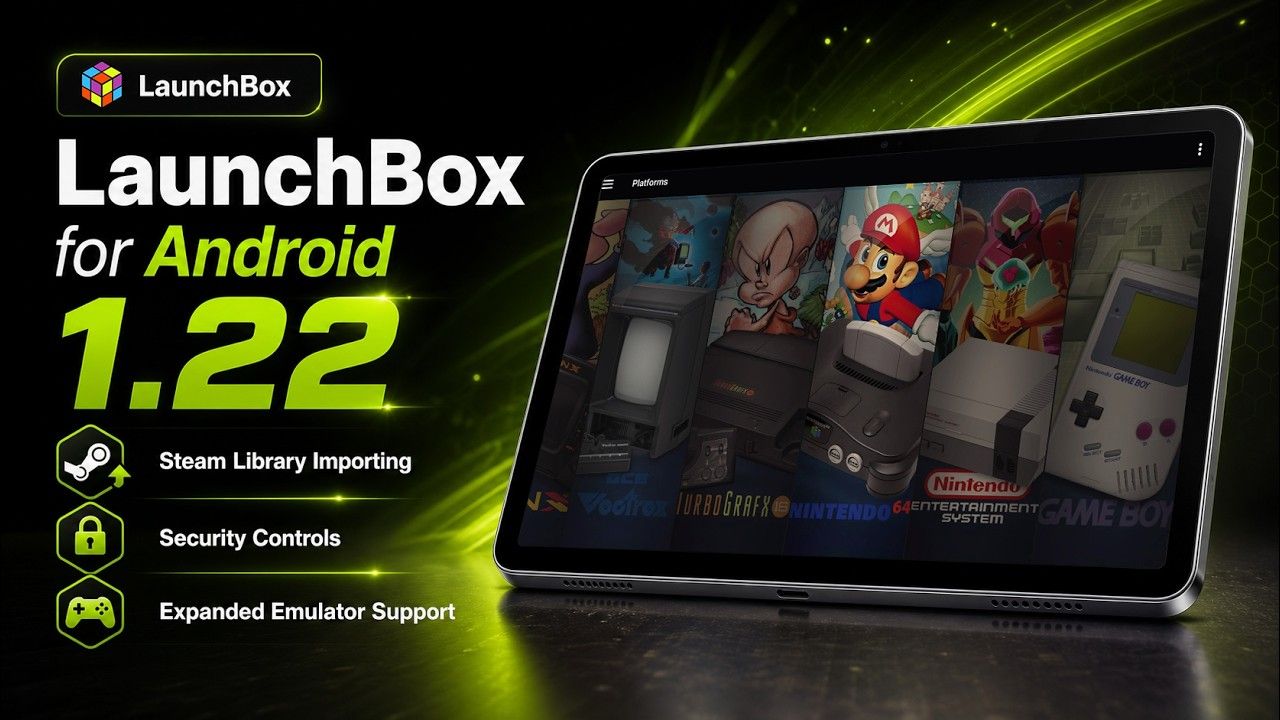
We are excited to roll out LaunchBox for Android 1.22! This update brings Steam library importing to Android, a new security system for locking down library management, expanded platform and emulator support, and a collection of quality-of-life improvements across media, themes, scoped storage, and library updates.

For the full list of changes, visit our complete changelog below.

๐Ÿ”— LaunchBox for Android Changelog

Release Video


๐Ÿ•น๏ธ Steam Library Importing Comes to Android

For more details on this feature, see our dedicated guide:

Importing Steam Games

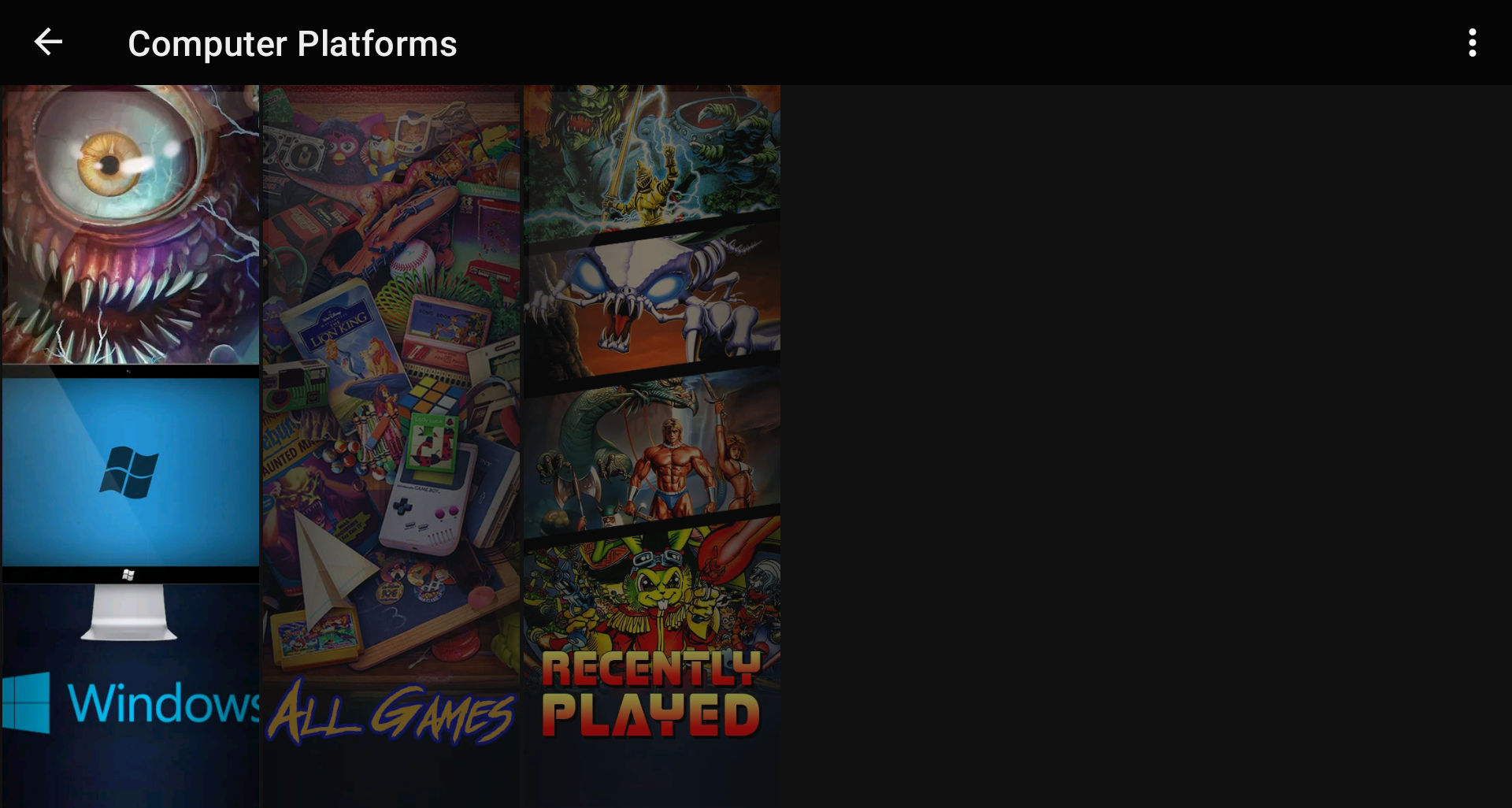
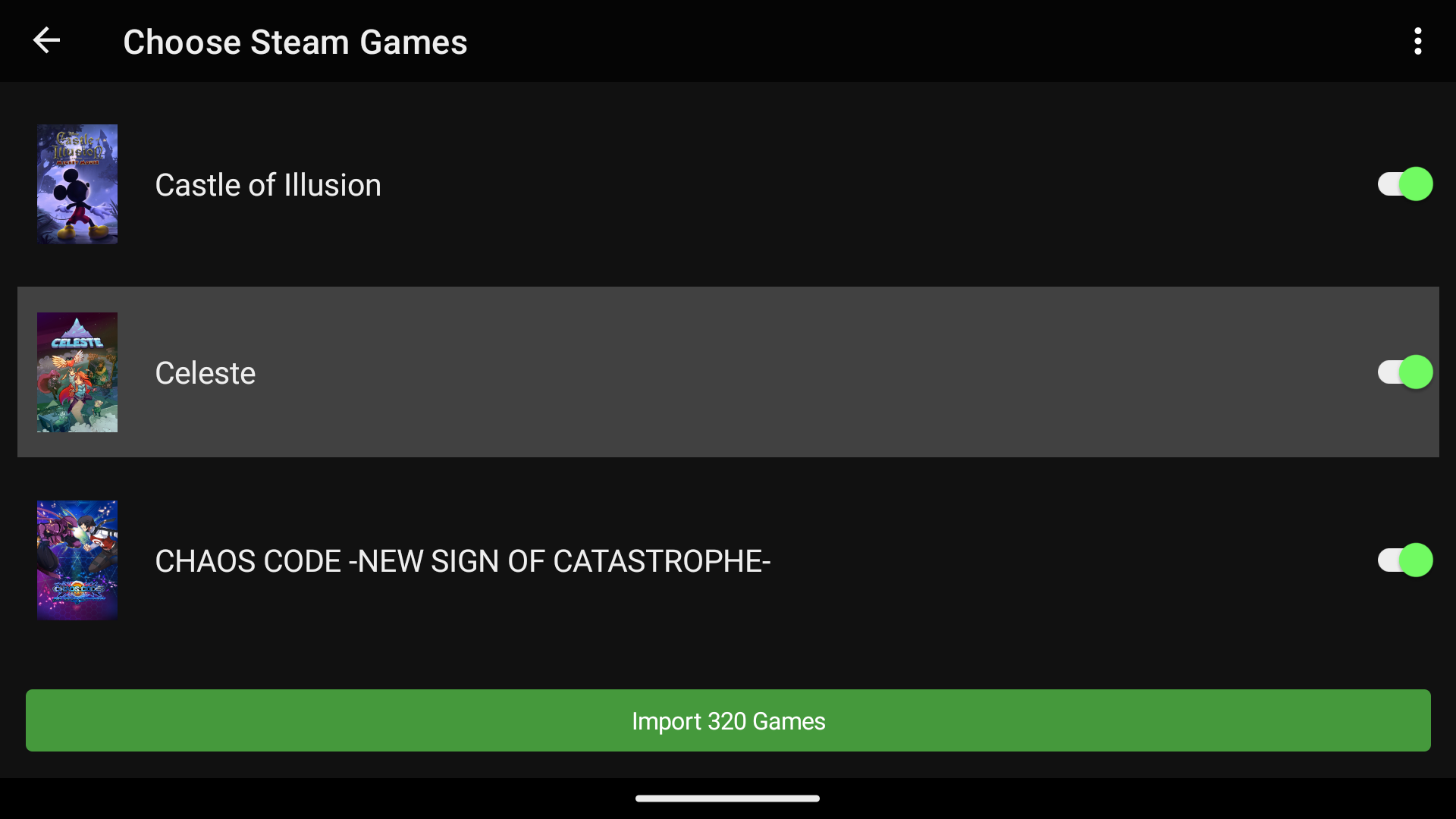
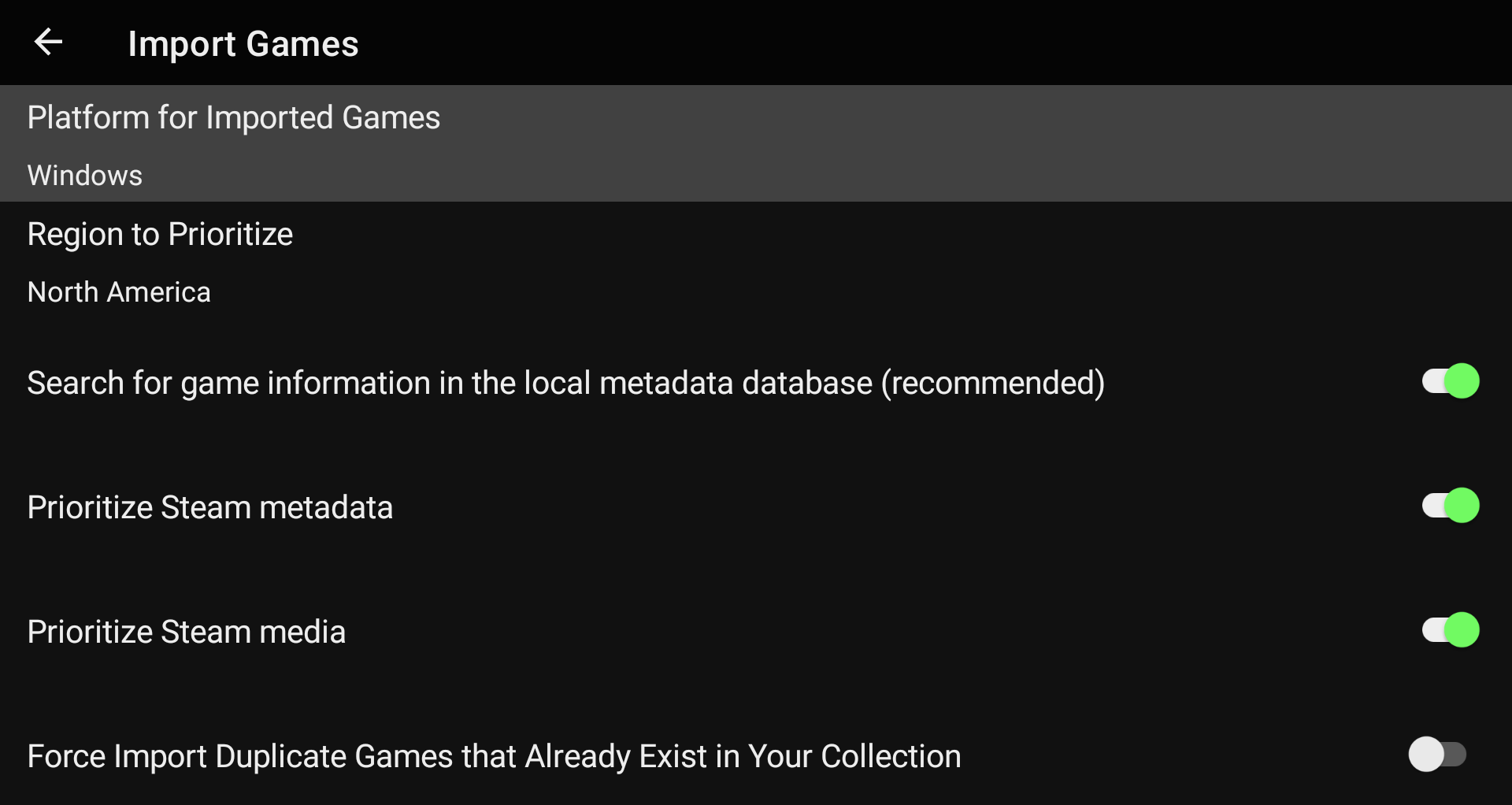
One of the biggest additions in this release is Steam game importing for the new Windows platform.

Windows on Android! ๐Ÿ˜ฑ

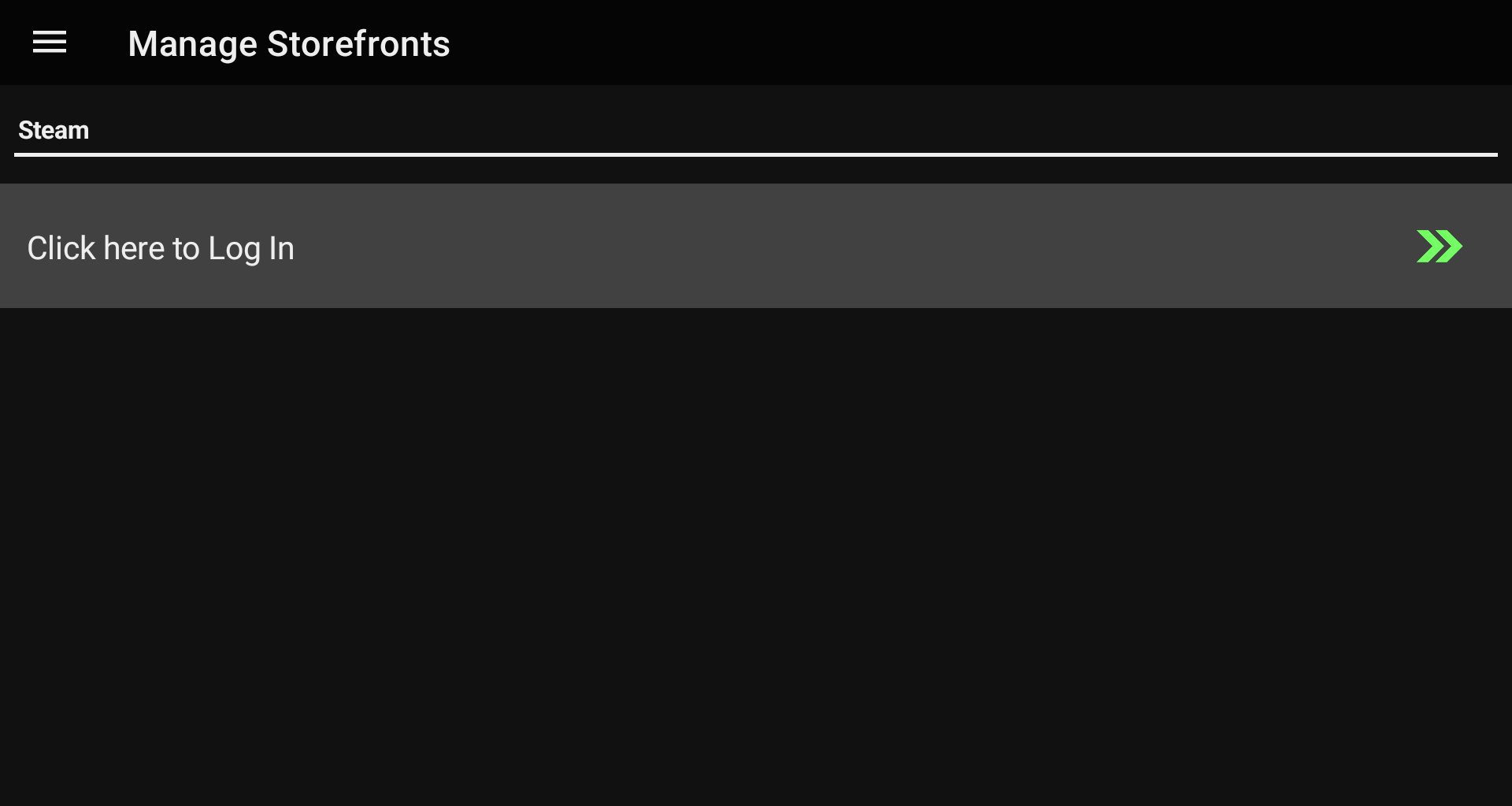
You can access the new importer through the new Manage Storefronts section from the main menu.

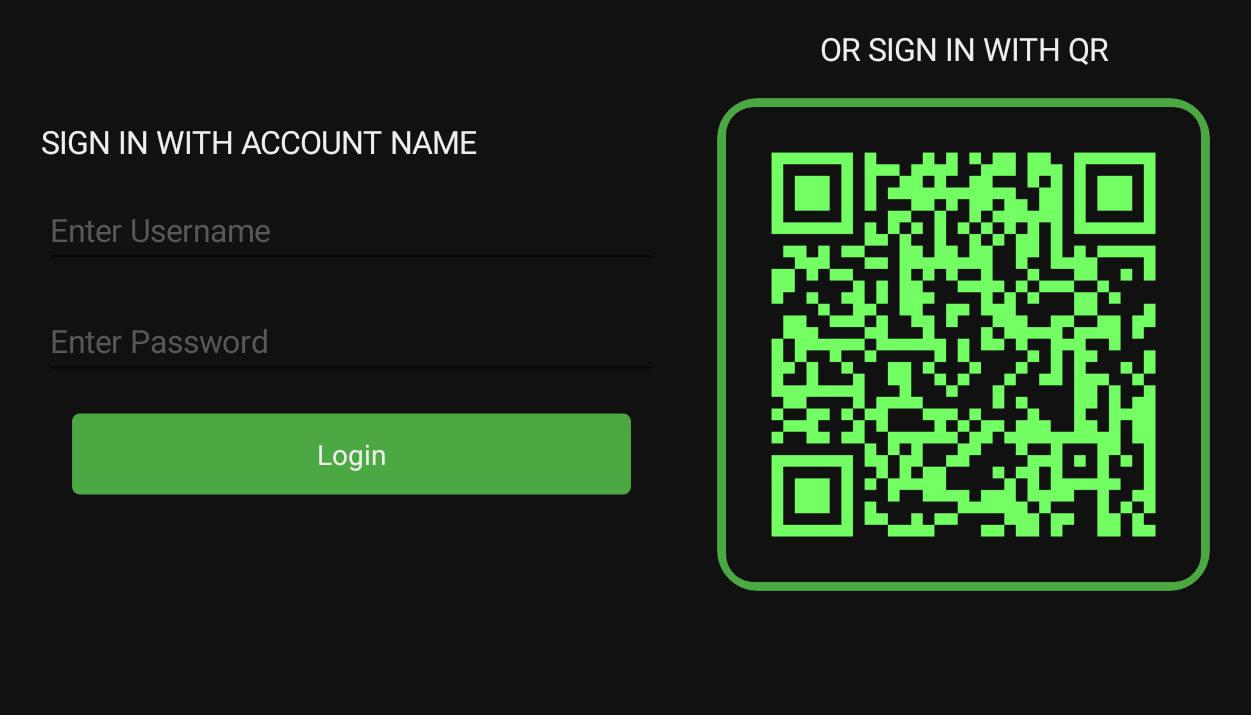
From there, logging into your Steam account is as simple as scanning a QR code. No convoluted API keys or digging through profile settings just to get started.

Once connected, LaunchBox can import your Steam collection, including games accessible through Family Sharing. This opens the door for organizing Windows games right alongside the rest of your Android library.

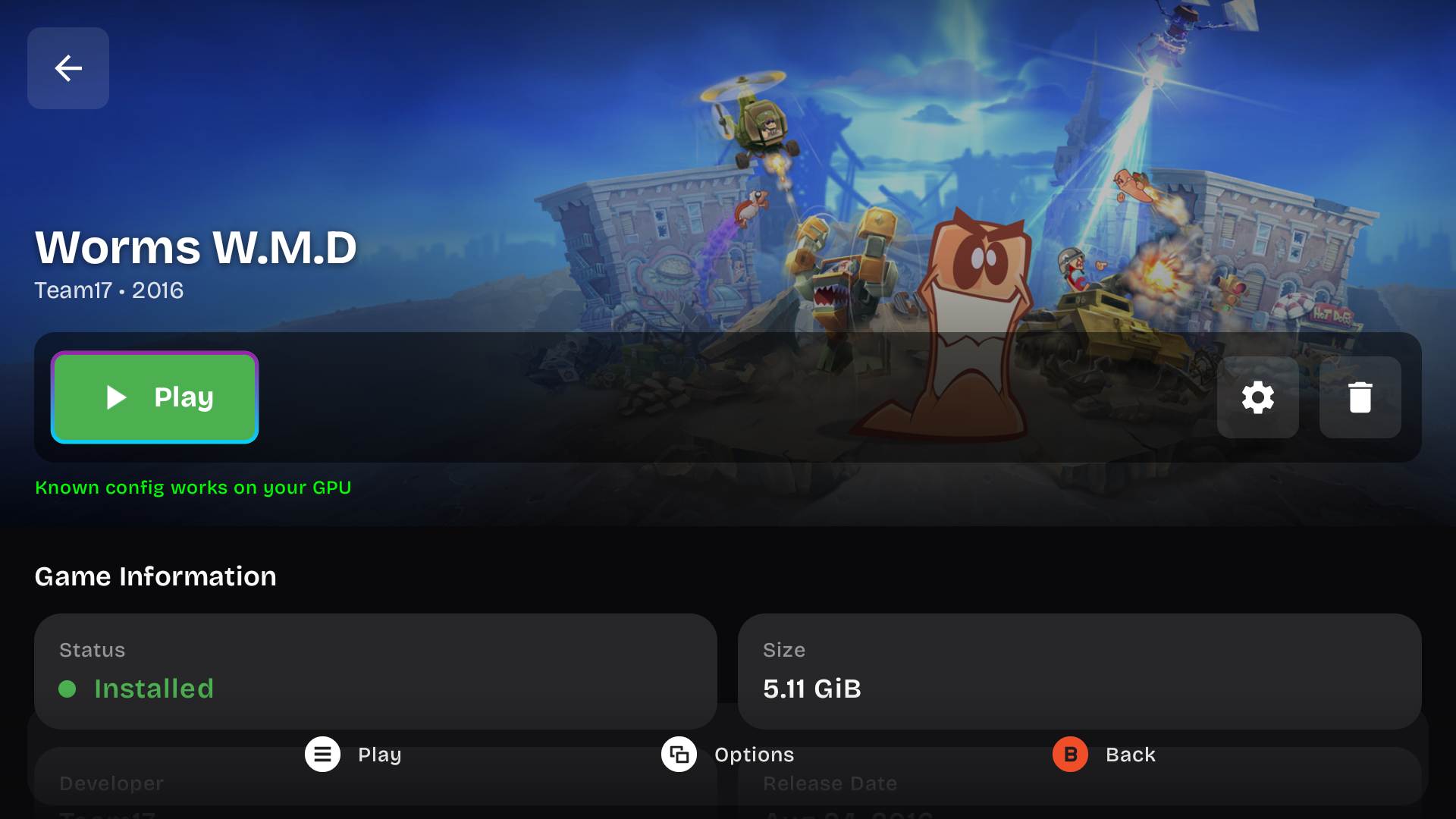
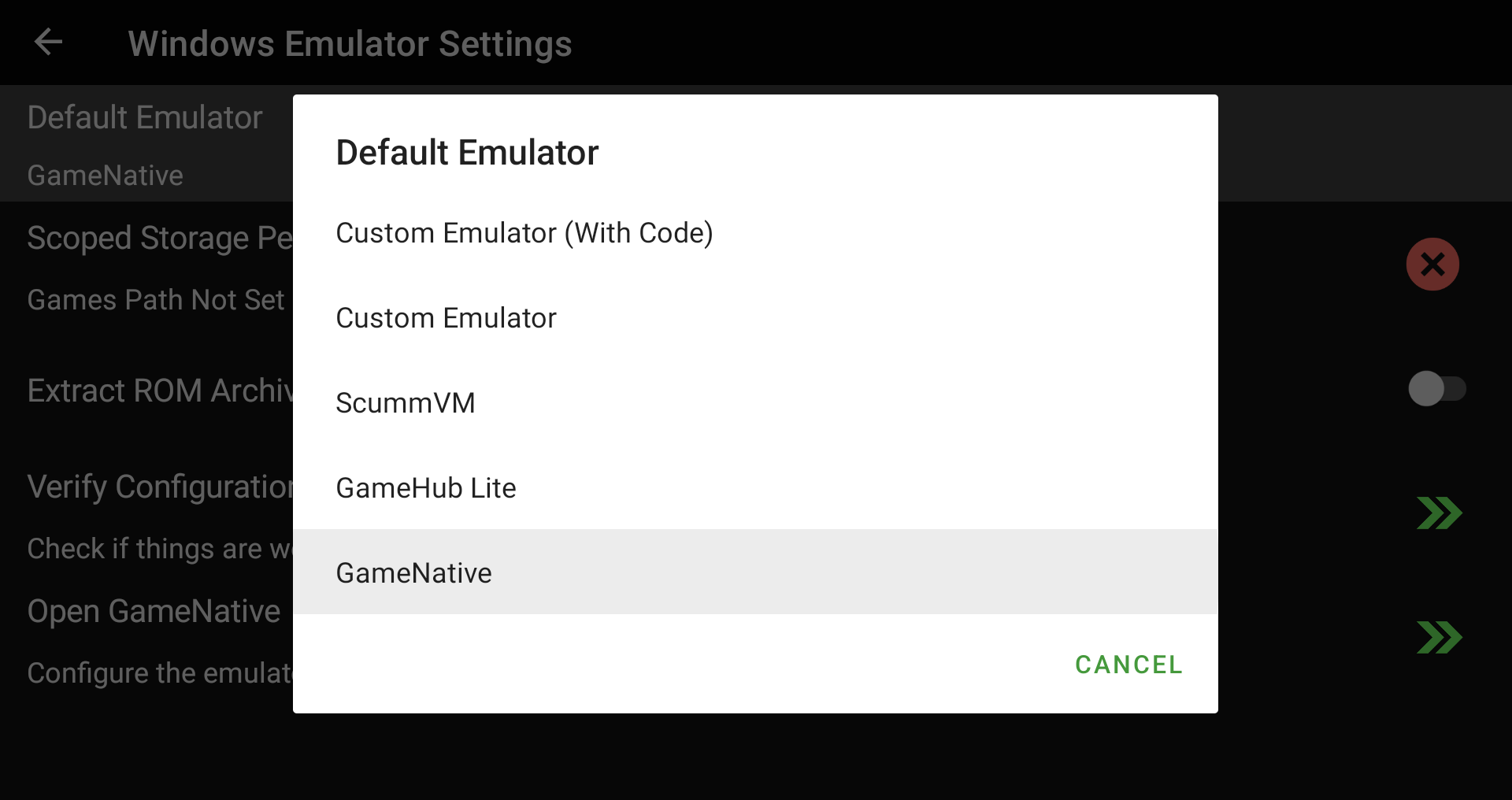
We also integrated with GameHub Lite and GameNative so imported Steam games can launch through compatible Android Windows launchers. These apps need to be downloaded and set up separately, but once they are configured, LaunchBox can hand supported games off to them.

Steam imports also include dedicated media support. Imported Steam games can now use Steam artwork and trailers, including box fronts, clear logos, backgrounds, and videos.

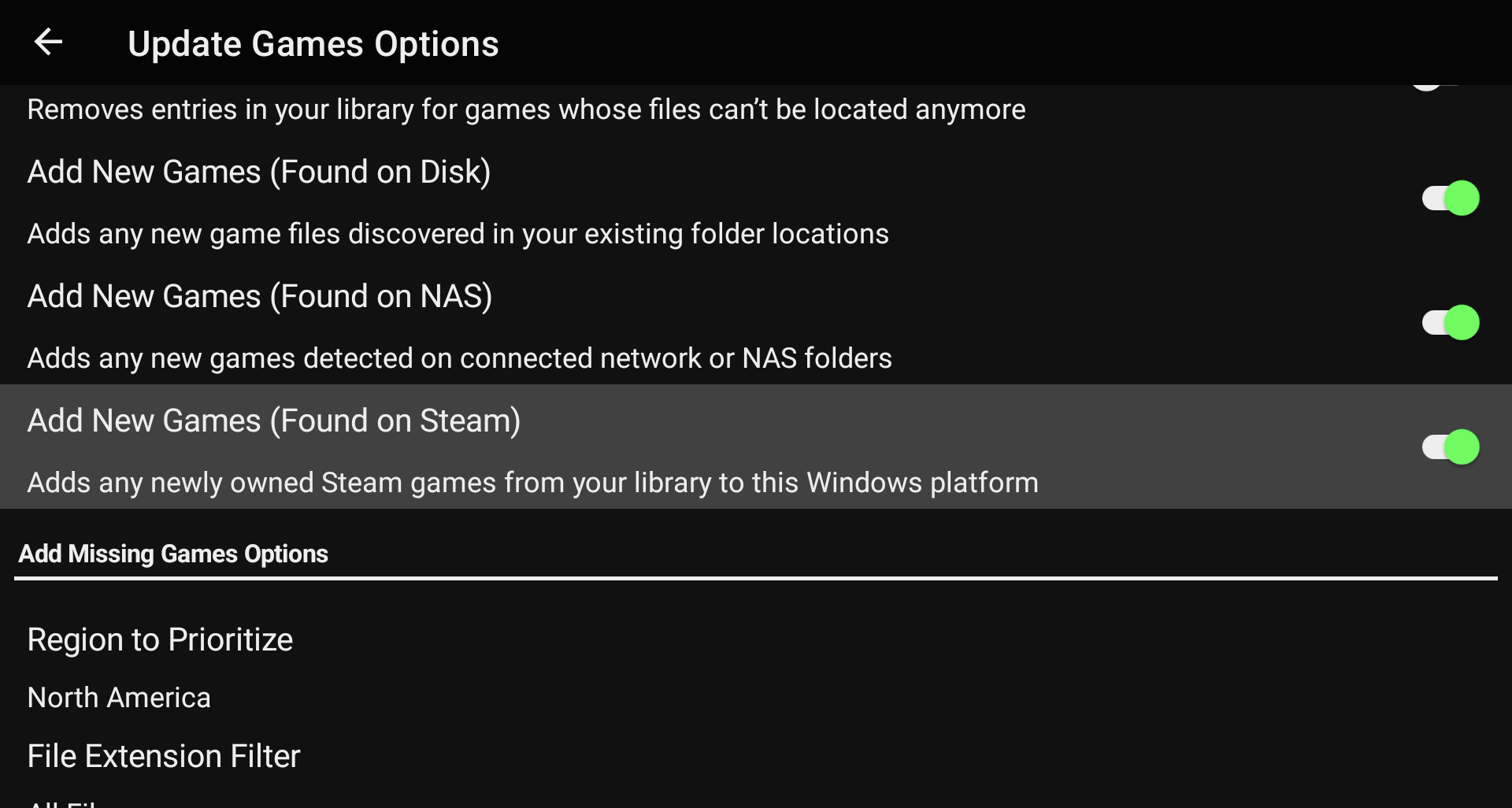
Finally, LaunchBox can compare your Windows or Steam platform against your Steam library, and add newly owned games automatically.


๐Ÿ”’ Security Controls

For more details on this feature, see our dedicated guide:

Using Security Settings

Original Feature Request:

Android Kiosk / Simple Mode

This release introduces a new Security system.

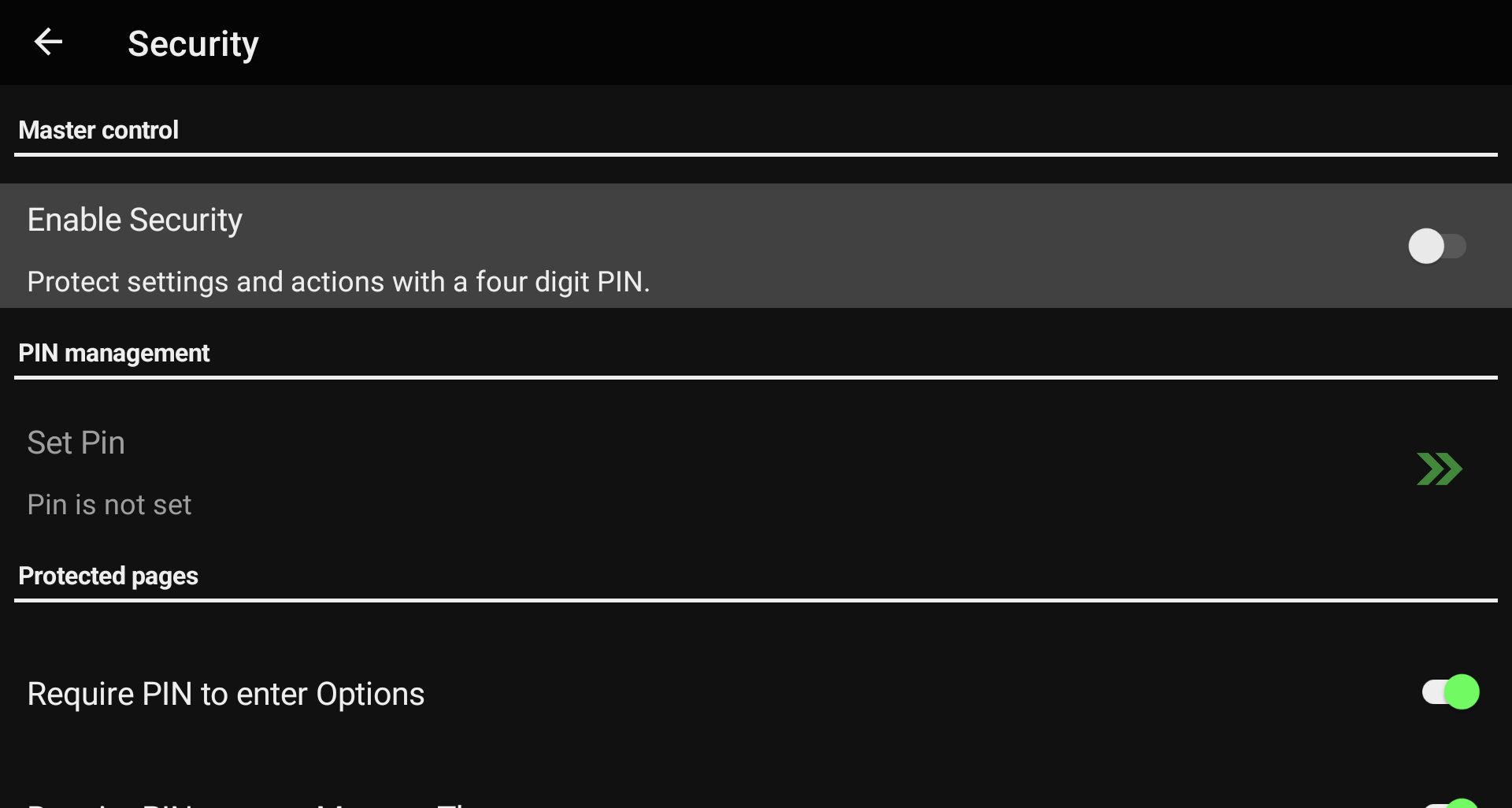
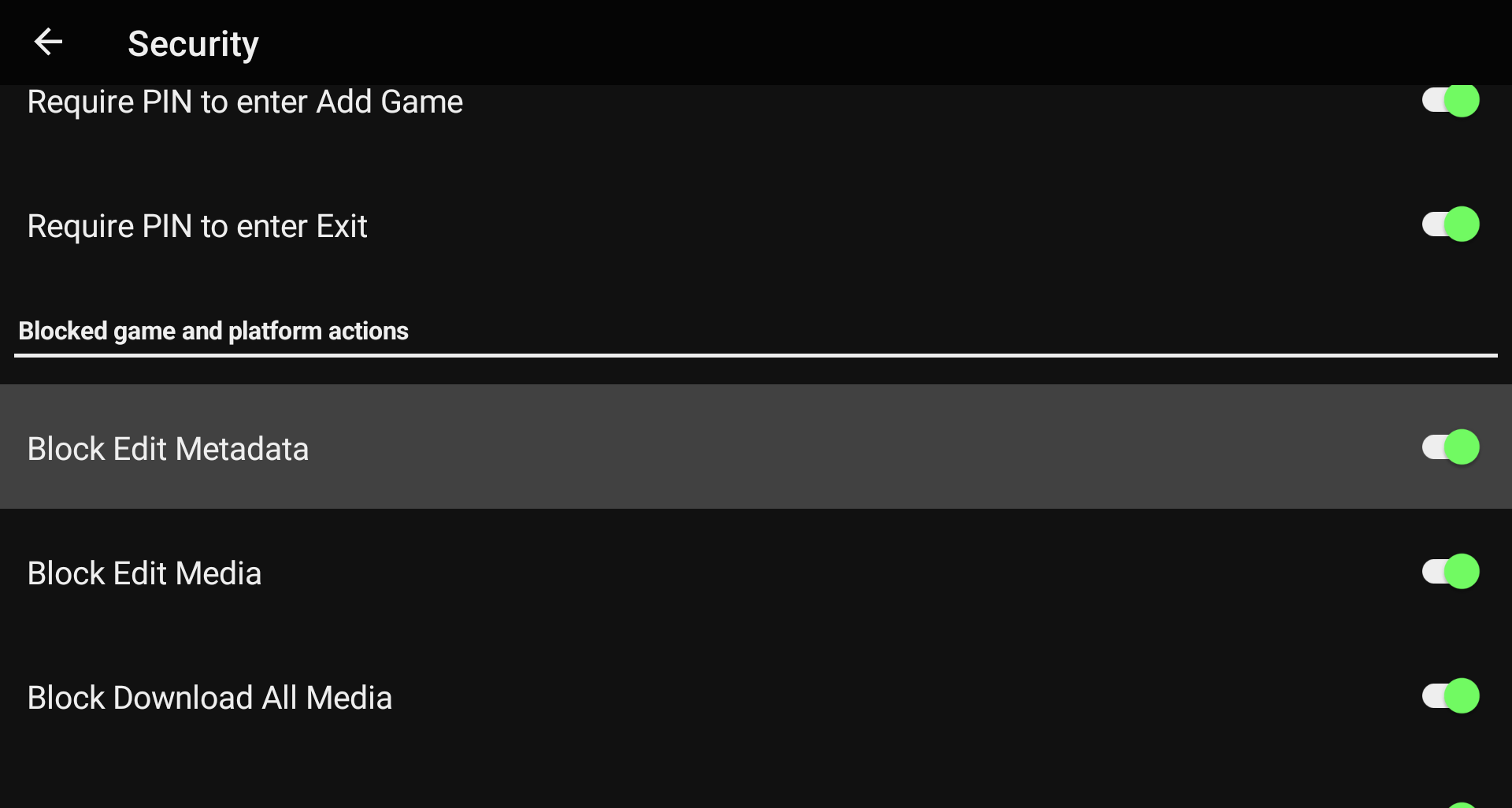
You can now lock down specific functions of the app behind a PIN, giving you more control over what can be changed. This is perfect for handing your device off to kids so they can play without accidentally changing platforms, editing games, or messing up your carefully organized library.

The Security system includes extensive configuration options under Options > Security, so you can decide which management features should require a PIN and which parts of the app should remain freely accessible.


๐ŸŽฎ More Platforms, Emulators, and RetroArch Support

This release also expands platform and emulator support.

New platforms have been added:

  • Windows

  • Arduboy

  • Sega Model 3

  • Uzebox

  • WASM-4

  • Microsoft Xbox

We also added support for several new emulators:

  • GameHub Lite

  • GameNative

  • Pizza Boy SC Pro

  • Azahar (Vanilla)

  • Linkboy

  • Lynx.Emu

  • PICO-8: Android

  • PICO-8: Picpic

  • Aethersx2 (Turnip)

  • SkyEmu

  • MelonDualDS

  • YabaSanshiro Pro

  • Vita3k (ikhoeyZX)

  • Super3

  • X1 Box

  • aPS3e

  • eka2l1

RetroArch core mappings have also been added for Arduboy, Uzebox, and WASM-4. These platforms should now be easier to import and launch when using RetroArch.

The built-in Vita3k Android emulator launch command has also been fixed, improving out-of-the-box launching for Vita3k users.


๐Ÿ“š Library, Theme, and Media Improvements

Weโ€™ve also several improvements aimed at making day-to-day library management clearer and more reliable.

Optimize Library behavior has been updated so star ratings across your entire library refresh automatically when running an Update Library scan. This helps keep ratings accurate without requiring extra manual cleanup.

Theme updates are now easier to spot. LaunchBox now shows a green badge on the Manage Themes menu item and next to individual themes when updates are available.

Local and Cloud filters have also been corrected. Games with local files now appear under Local, while Cloud only shows games that exist only on a configured network or cloud location.

Media downloads should also behave more consistently. We fixed possible image resize conflicts that could cause media to fail or become inconsistent when multiple images were being processed at the same time.


๐Ÿงฐ Android Reliability and Scoped Storage Fixes

This release includes several fixes focused on app stability, launching, and scoped storage behavior.

We fixed a possible crash that could happen when returning to LaunchBox if notification or data services were not available yet when the app resumed.

Scoped Storage handling has also been improved in a few important places. Setting a Scoped Storage path now works correctly when LaunchBox is running as a homescreen launcher.

Additional applications and alternate versions should now launch using the correct file path or URI. LaunchBox will also use the selected application path during scoped-storage lookup, which helps when launching an alternate version or additional app instead of the main game file.


We are really excited to keep expanding what LaunchBox for Android can do, especially now that Windows game support is starting to become part of the experience. The future of ARM devices is looking bright!

For the full list of changes, visit our complete changelog below.

๐Ÿ”— LaunchBox for Android Changelog
LaunchBox for Android - 1.21

We are excited to roll out LaunchBox for Android 1.21! It brings new features, cleaner workflows, and behind the scenes performance improvements that you will likely notice the moment you start using it. Here is what is new in this update.

For the full list of changes, visit our complete changelog below.

๐Ÿ”— LaunchBox for Android Changelog
Release Video

Check out an overview of this from release from ETA Prime!


๐ŸŽฎ Game Progress Tracking Suite

One of the most requested features from our community has finally made its way into LaunchBox for Android. Game Progress Tracking is here, and it is built to help you stay organized across big libraries, long games, and ever rotating backlogs.

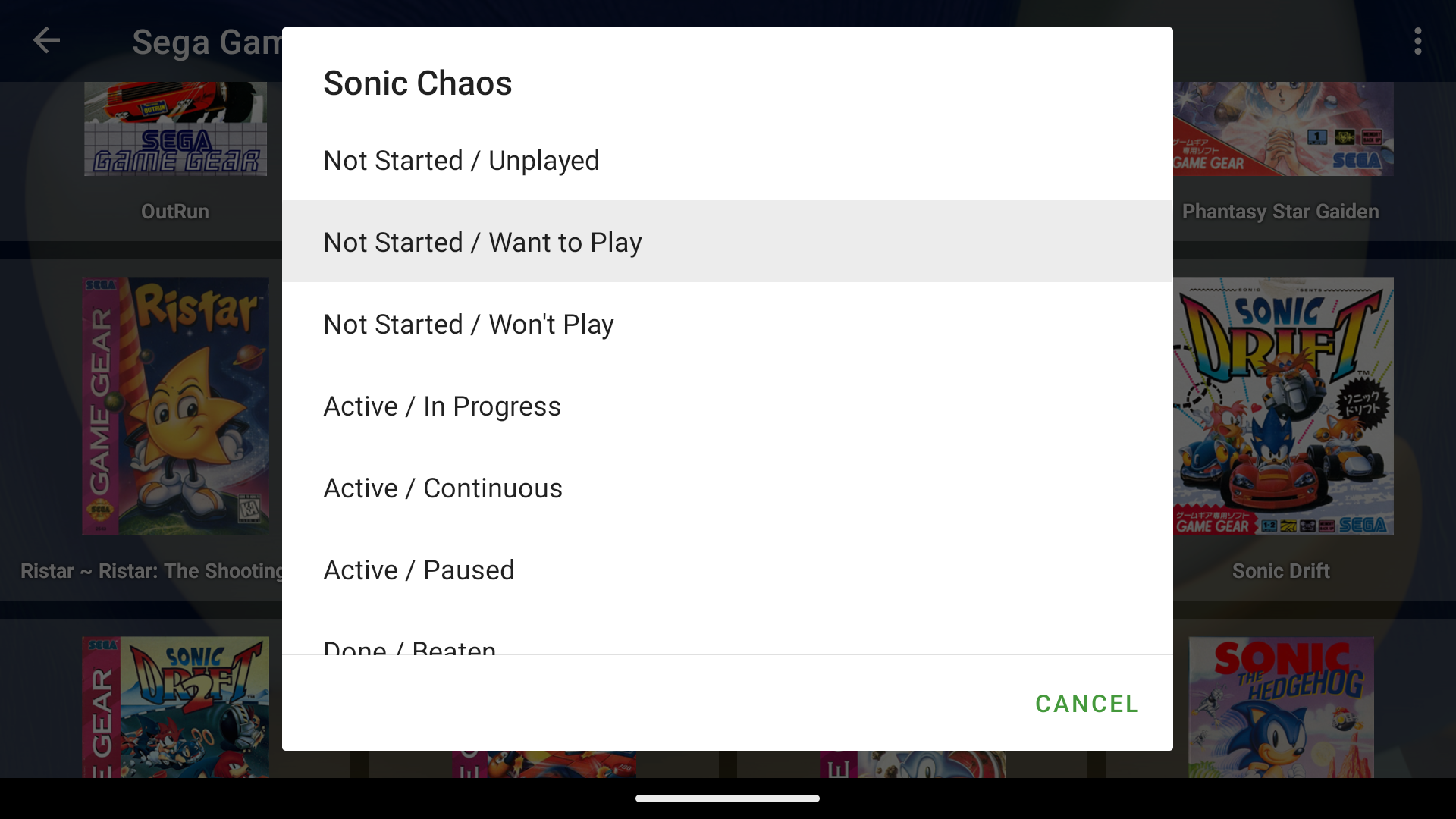
You can now track how far you are in any game by updating your progress right from the game menu. Whether you are actively playing it, finished it, or returning later, your library will always reflect where you left off.

From there, we added a fully customizable Game Progress Organization page. You can reorder progress states, rename them, or even build your own entirely custom categories. If your workflow is 100 Percented, Paused, Retired, or Just Started, you can shape the system around your style.

Finally, explore the Game Progress Automation page. This lets LaunchBox automatically update your progress based on gameplay activity. Just scroll through the rules to see how the system works. It is designed to save time for users who want their library to stay accurate without manual updates.


๐Ÿ  Home Screen Launcher Mode

Set LaunchBox as a Default Home App on Android

Version 1.21 also introduces something huge: LaunchBox can now be used as a full home screen launcher.

Turn it on in the Options menu, then hop into your Android system settings to select LaunchBox as your default home launcher. Once that is set, pressing the home button drops you straight into your LaunchBox library. It gives your device a clean, console like feel, especially for handhelds or dedicated gaming setups.

This mode is something we have wanted for a long time, and it completely changes how LaunchBox can fit into your day to day use.


๐Ÿ”„ Platform Update Games

Managing ROMs outside the app just got a whole lot easier.

With 1.21, you can now update LaunchBox with changes you make directly in your platform folders.

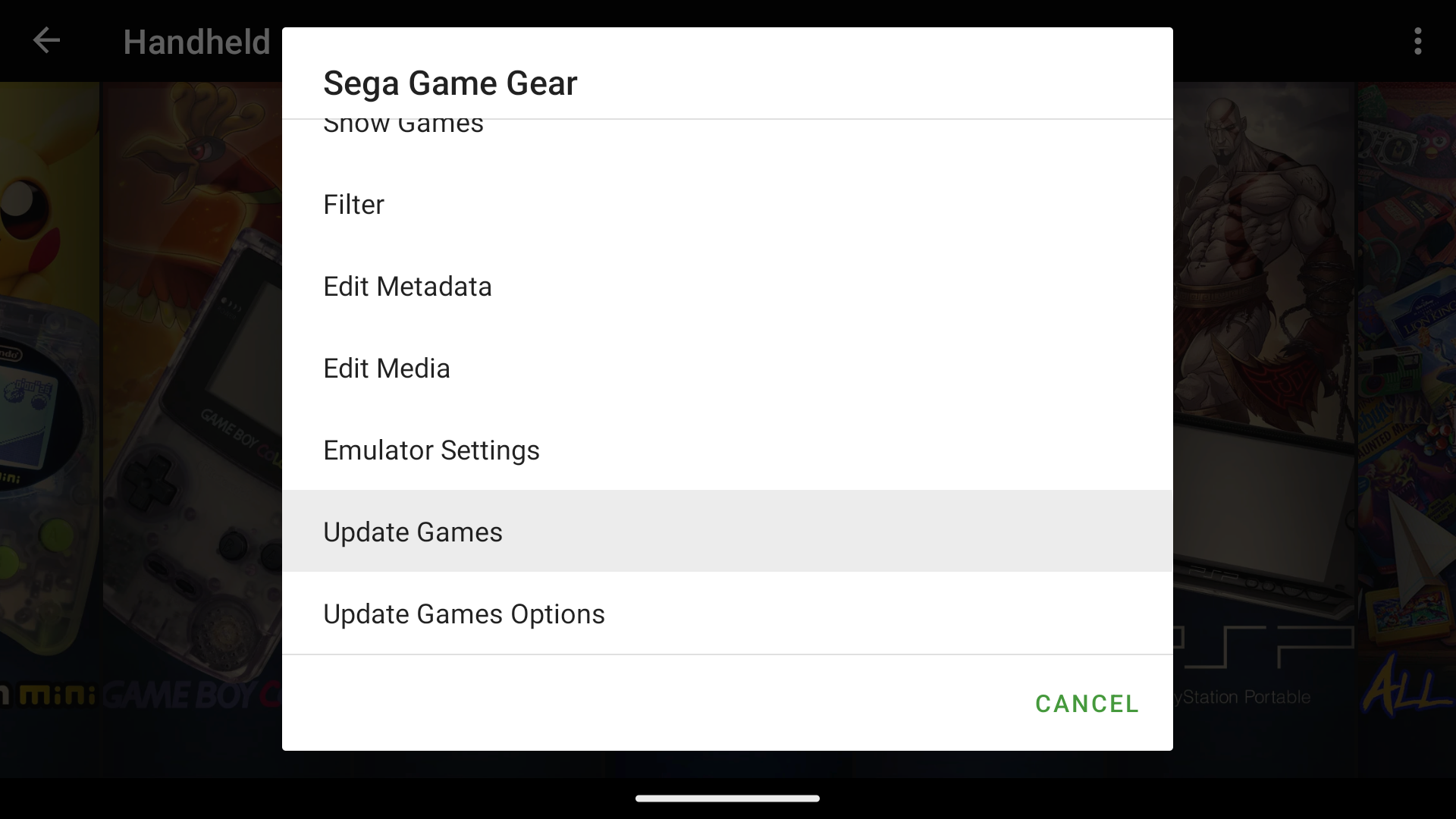
When you long press a platform and choose Update Games, LaunchBox scans the files in that folder, compares them with your library, and automatically adds any new games it finds. There is also an optional toggle to remove games whose ROM files no longer exist in the folder.

Important note:
LaunchBox never modifies or deletes ROMs.
We only read what is present and update your library to match reality.

This one has been requested for a while, and it brings a ton of convenience to users who regularly tweak their collections.


๐ŸŒ NAS Management Made Simple

If you run your library from a NAS, version 1.21 adds a dedicated tool just for you.
The new NAS Management page under Options shows all mapped drives along with their connection statuses.

If a drive goes offline or its IP changes, you can repair the mapping in one tap. No more digging through settings or remounting things manually. It is a small but powerful step toward making LaunchBox more friendly for advanced setups.


๐Ÿ†• New Emulators Added

We also expanded the list of supported emulators in 1.21. You will now find:

AzaharPlus, Snapulator MS, Snepulator SG, ARMSX2, Eden, Suyu, Sudachi, Sudachi (Early Access), Kenji-NX, Benji-SC, NooDS, MelonDS Dev (Dual Screen Fork)

It is always exciting to bring more compatibility into the app, and this lineup adds some fun new possibilities.


โšก Performance Improvements

LaunchBox for Android 1.21 includes major performance upgrades across the board.
The most noticeable boost is startup time. In our internal tests, a library of around 5000 games dropped from about 9 seconds at launch to roughly 3 seconds. It feels dramatically faster in practice.

We also improved automatic image downloading so your game lists populate more quickly and consistently.


For the full list of changes, visit our complete changelog below.

๐Ÿ”— LaunchBox for Android Changelog