LaunchBox for Windows - 14.1
Arcade Controls, Smarter Plugins, and Faster Browsing 🕹️
LaunchBox 14.1 introduces new ways to control Big Box, major MAME high score improvements, one of our biggest expansions to the plugin system yet, and faster ways to manage your library. It also brings smarter emulator configuration and another round of performance and reliability work across the app.
Want every change? Read the full LaunchBox for Windows changelog.
Trackball and Spinner Support Is Finally Here 🎱
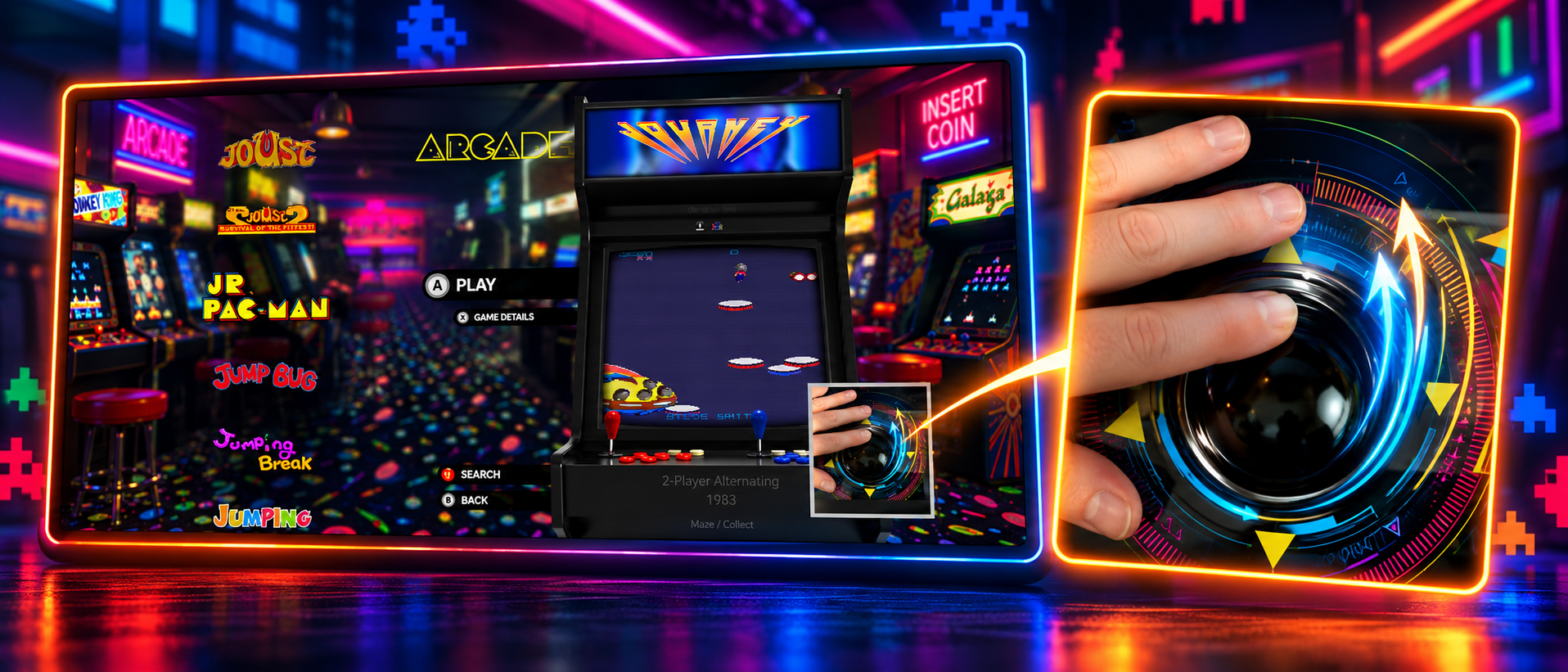
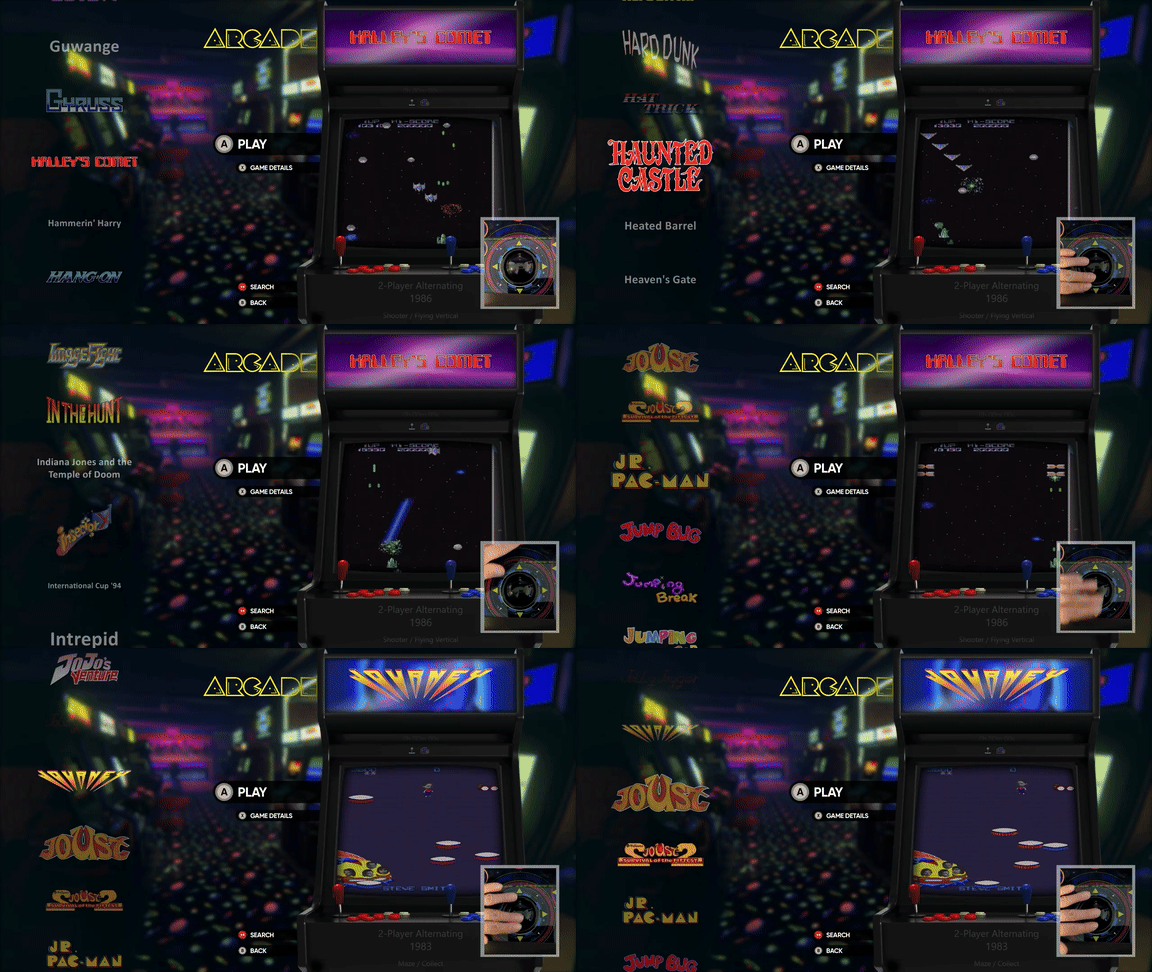
One of our most frequently requested arcade cabinet features has arrived. Premium users can now navigate Big Box directly with arcade trackballs and spinners, making it feel much more natural to browse a collection using the controls already built into your cabinet.
LaunchBox supports dual-spinner setups as well as spinners that operate through the mouse wheel. Adjustable sensitivity controls under Options > Mouse let you tune navigation to suit your particular hardware and preferred feel.
MAME High Scores Get a Major Upgrade 🏆
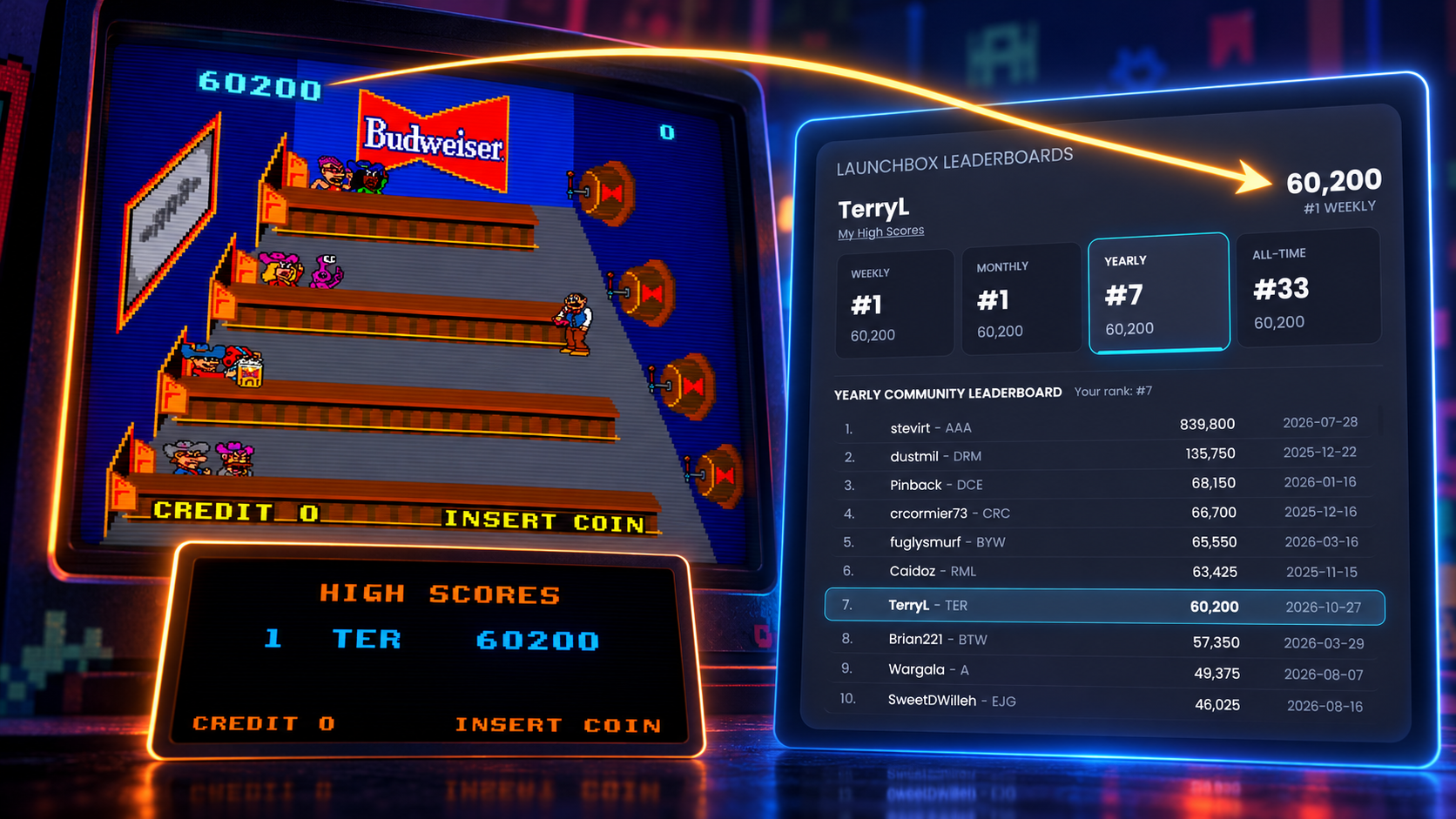
MAME high score support has been expanded to cover around 1000+ additional games and more than 1,675 clone and regional leaderboards, giving many more arcade titles a place on the scoreboard.
The new Game Pulse reader processes scores around 15 times faster and can be updated independently, helping us add support and improvements without waiting for a full LaunchBox update.
Leaderboards have also received a visual refresh. You can now move between Weekly, Monthly, Yearly, and All-Time results, see your rank and score more clearly, and use My High Scores to focus on your own best runs.
A More Powerful Plugin System 🧩
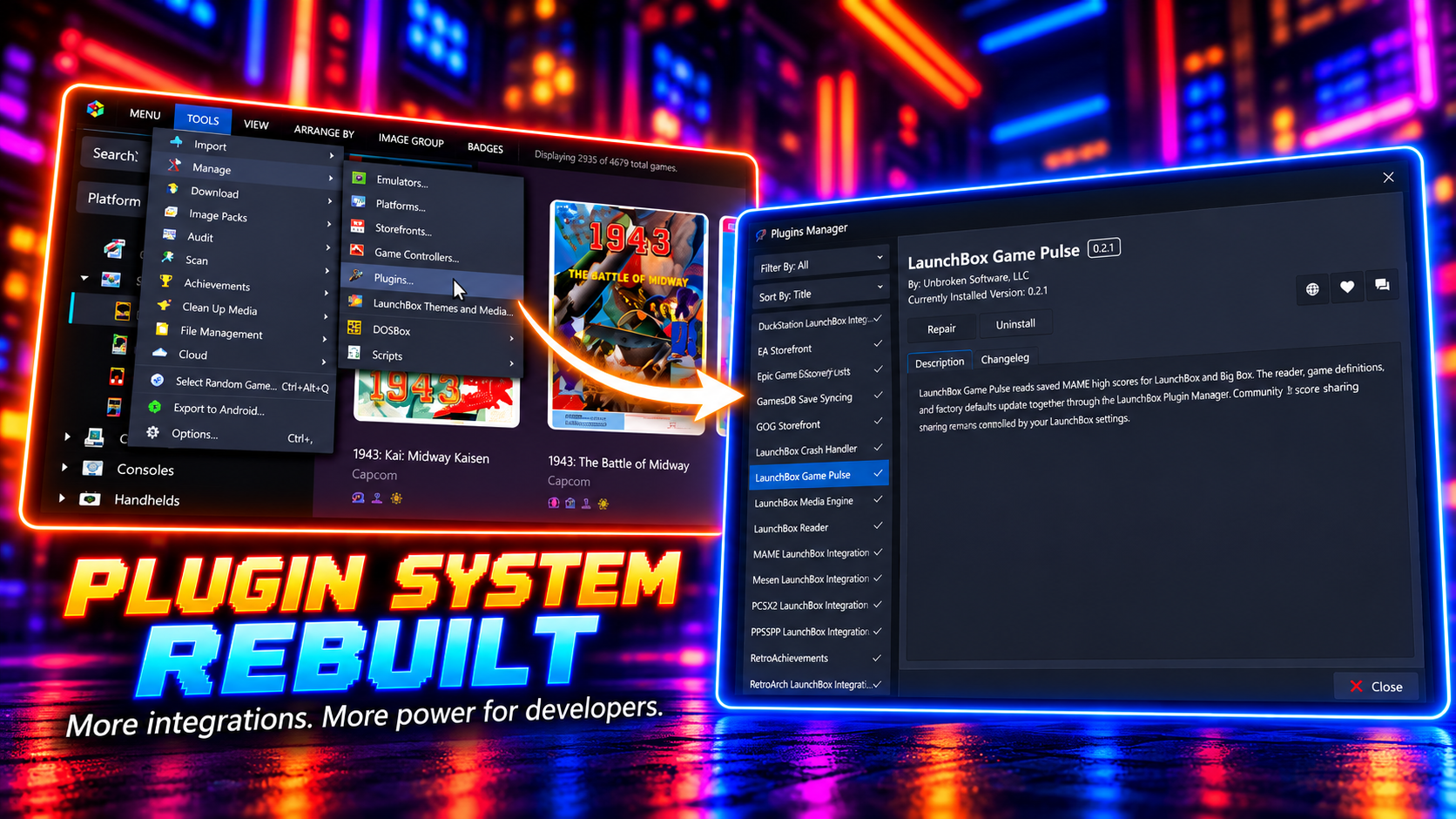
LaunchBox's plugin system takes a major step forward in 14.1. The existing integrations for Amazon, EA, Epic Games, GOG, Steam, Ubisoft, and Xbox have been moved into managed storefront plugins, all using a shared set of account and import screens.
Your connected accounts and import settings will carry over automatically, so the experience should feel familiar after upgrading. Moving these integrations into plugins means we can maintain, fix, and improve them more independently, without every storefront change needing to wait for a full LaunchBox update.
The Plugin Manager can now be used to enable, disable, and configure supported managed plugins. Their settings also appear in Options search, making them much easier to find.
Plugins can now do more throughout LaunchBox, including providing metadata and media during imports, supplying achievement information, and reporting playtime and last-played data. When more than one source is available, LaunchBox gives you control over which one takes priority.
After upgrading: LaunchBox Game Database features now use your Unbroken Account through a browser-based sign-in. You may be asked to reconnect once after installing 14.1. This connection is used for features such as Cloud Sync, community ratings, and MAME high scores.
Smarter Emulator Setup and Configuration ⚙️
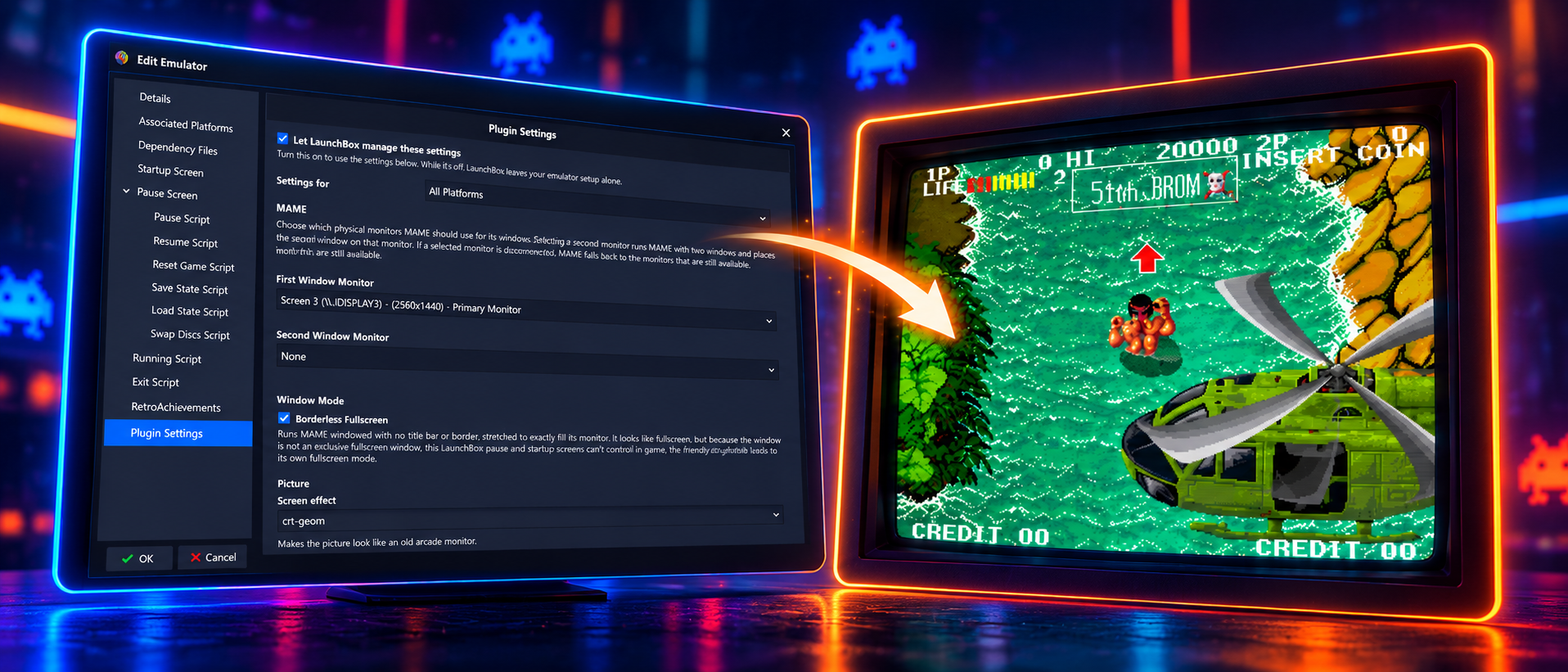
Emulator plugins can now add their own settings directly to the Edit Emulator window. This lets you configure commonly used emulator features from inside LaunchBox instead of opening each emulator and working through its separate configuration screens.
LaunchBox 14.1 introduces these controls for MAME and RetroArch, with options that can be applied globally or adjusted for individual platforms. For MAME, this includes settings for your preferred monitor, borderless fullscreen, screen effects, light guns, and trackballs. RetroArch users can configure display modes, screen effects, run-ahead, rewind, and 3D upscaling directly from LaunchBox.
LaunchBox keeps existing and manually configured emulators under your control by leaving automatic management disabled. When LaunchBox installs a new supported emulator for you, automatic management is enabled so it can apply suitable settings from the start.
Faster Library Management 🔍⚡
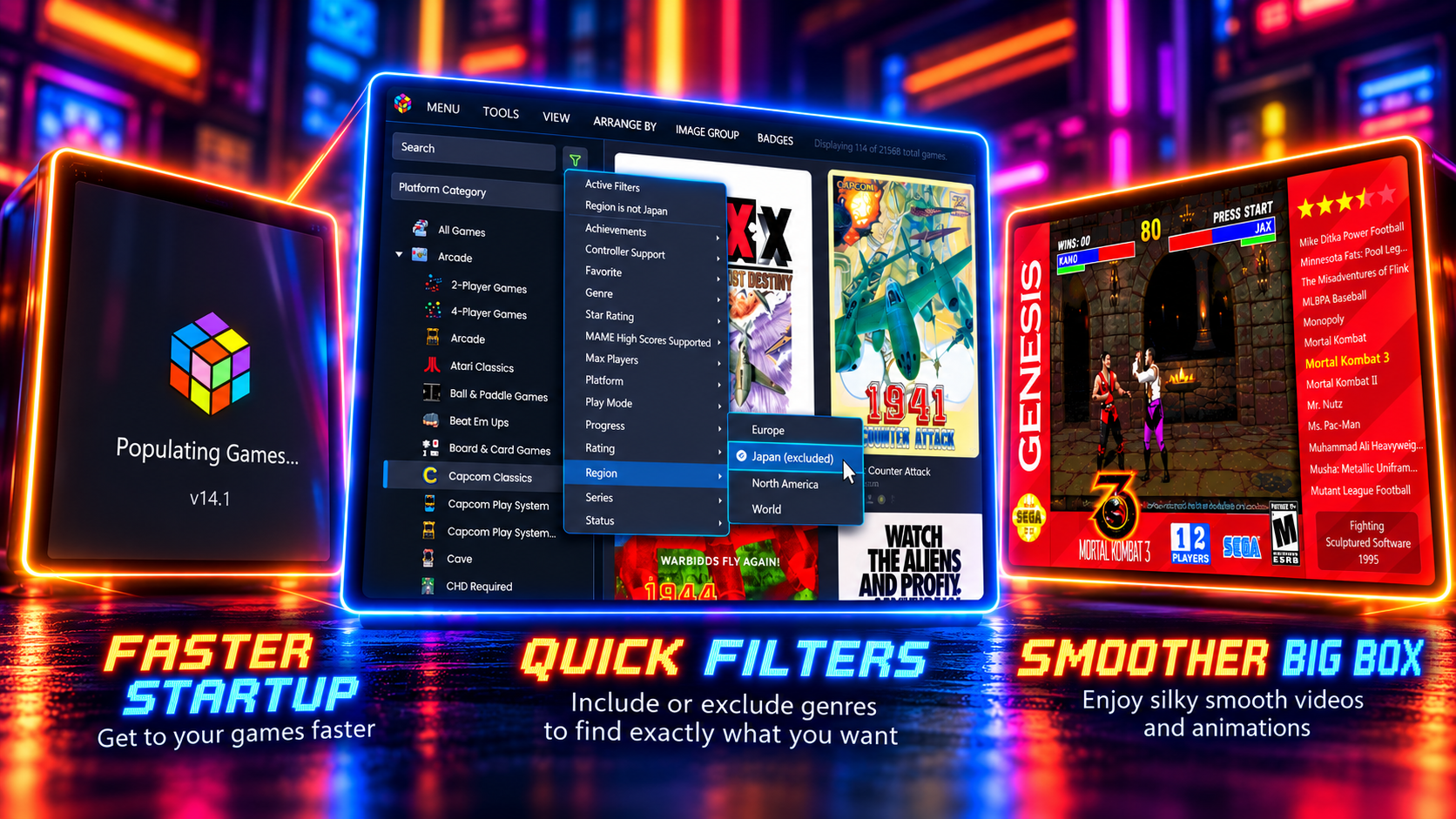
Faster, Safer, and More Reliable
LaunchBox and Big Box now start faster and use less temporary memory, with the biggest improvements appearing in large libraries. Artwork caching has also been improved, common management windows open more quickly, and game launching and playtime tracking perform less work in the background.
Automatic imports can now download your selected EmuMovies images, videos, manuals, and music as new games are discovered. Controller mapping screens also warn you about conflicts and make it easier to replace existing assignments.
Steam games that are no longer installed are now marked as Missing, with a button that takes you directly to Steam to install or repair them. Once Steam reports the game as installed again, LaunchBox automatically restores its normal status.
This release also contains substantial reliability work across saving, imports, media downloads, startup and shutdown, controller input, and game process tracking. Of particular note, LaunchBox is now better at preserving library changes made while a save is already in progress, and Save Management handles more multi-version, multi-disc, and emulator-specific configurations correctly.
Quick Filters Can Now Exclude Games
Quick Filters are more powerful in 14.1. Clicking a value now cycles between including it, excluding it, and clearing it, so you can narrow a library without building a complicated filter from scratch.
For example, you could browse games from a favorite genre while excluding a platform you do not want to see. LaunchBox keeps your active choices visible at the top of the panel, and excluded values are preserved when you save the results as a playlist.
More Big Box Improvements
Big Box screensaver themes can now display your RetroAchievements progress and estimated time to beat or master each game, giving custom themes more useful information to work with while your collection is on display.
Alongside these additions, Big Box benefits from smoother wheel navigation, more reliable focus and transitions, better media handling, and several fixes for missing artwork and unusual display states.
See the complete list of changes in the official LaunchBox for Windows changelog.