Getting Started with the LaunchBox Games Database
Learn what the LaunchBox Games Database is, why it exists, how LaunchBox uses it, and how users can contribute.
Written By launchbox
Last updated 2 months ago
The LaunchBox Games Database is the shared online database that helps LaunchBox and Big Box identify games, fill in useful details, and download artwork for your library. It is one of the biggest reasons importing and scraping games in LaunchBox can feel so smooth: instead of manually entering everything yourself, LaunchBox can use a community-maintained source of metadata and media.
You do not need to contribute to use it. Most users simply benefit from the database in the background. But if a game you care about is missing, incomplete, duplicated, or has poor artwork, you can help improve it for yourself and for everyone else.
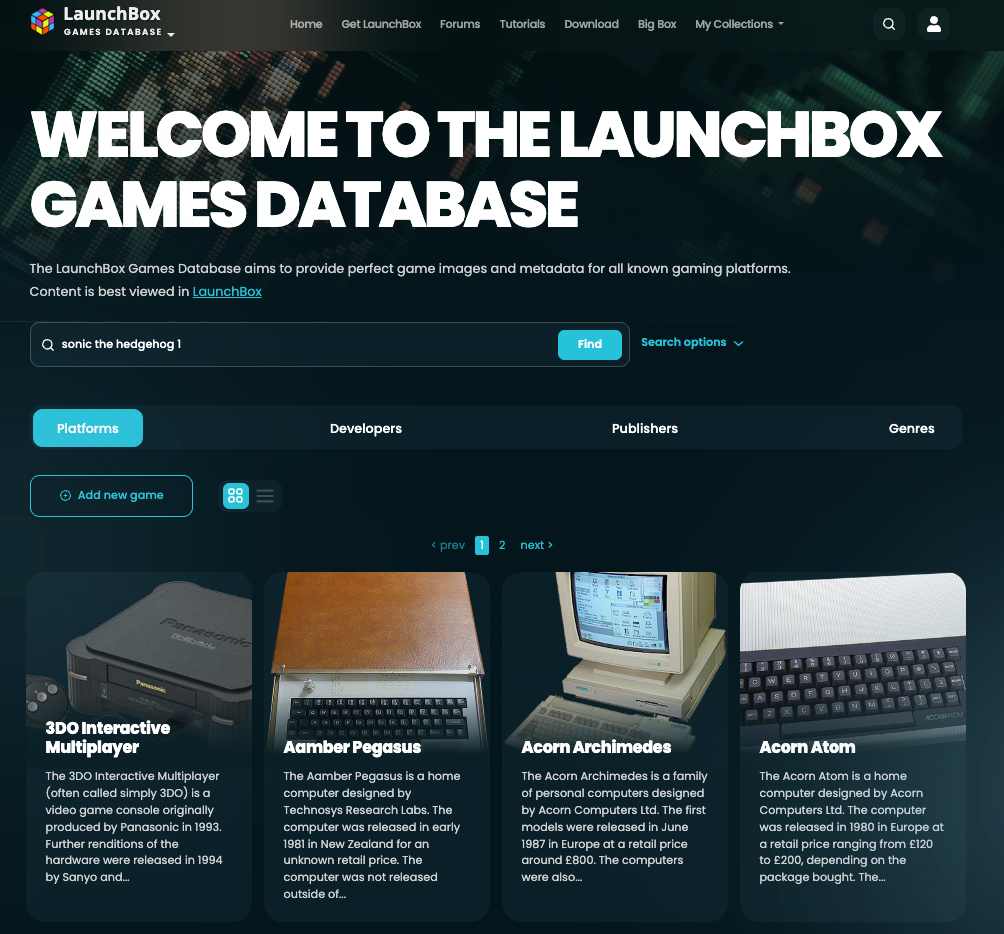
The Games Database website can be accessed at https://gamesdb.launchbox-app.com/.
What is the Games Database?
The Games Database is a shared collection of game information and media. A game entry can include details like title, platform, release information, overview text, developers, publishers, genres, and alternate names.
It also stores media for games, such as box art, screenshots, clear logos, fanart backgrounds, posters, icons, carts, and discs.
LaunchBox and Big Box use this information to make your library easier to import, easier to browse, and nicer to look at.
How did it come to be?
In the early days, LaunchBox relied on a third-party games database for metadata and media. That worked for a while, but it also meant LaunchBox depended on a service outside of our control. When that database had problems, LaunchBox users felt those problems directly through worse scraping, missing data, or unreliable imports.
To make the experience more reliable, we brought the database in-house. The goal was to give LaunchBox users a dedicated database built around the needs of LaunchBox and Big Box, while still allowing the community to improve it over time.
How LaunchBox uses the Games Database
The database is most visible when importing and scraping games. When LaunchBox scans your library, it can match your games to database records and then download matching metadata and media.
For example, the database can help LaunchBox:
Match an imported game to the correct title and platform.
Download artwork such as box fronts, screenshots, clear logos, and fanart backgrounds.
Fill in details like release information, genres, developers, publishers, ratings, and descriptions.
Improve Big Box themes and views by providing the media those layouts rely on.
Use alternate names to match regional titles, spelling variations, or file names that do not exactly match the main database title.
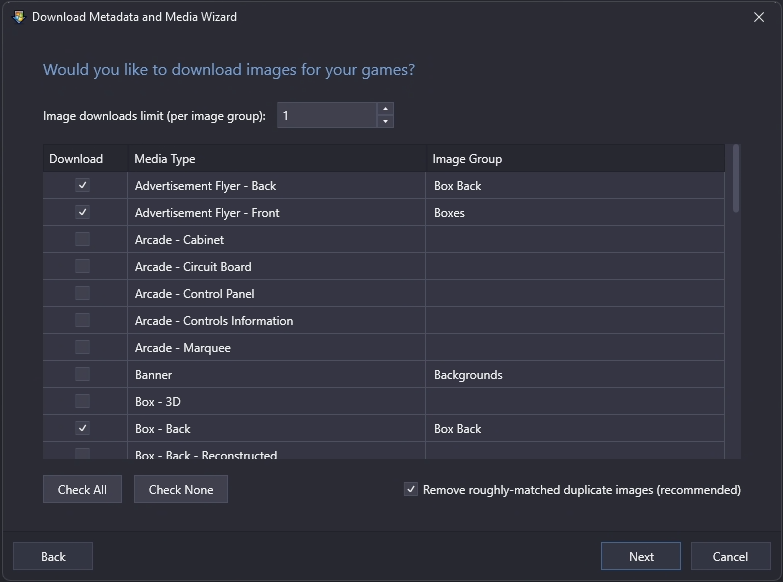
You can always add or correct game details manually inside LaunchBox. That flexibility is still there. But LaunchBox combined with a strong Games Database is what makes the importing and scraping experience a breeze compared with frontends where every library requires more manual cleanup.
Why should I contribute?
Contributing is completely optional. Everyone benefits from the Games Database whether they contribute or not.
But if your favorite game is missing, has incomplete information, uses the wrong title, has weak artwork, or is hard for LaunchBox to match during import, you can help fix that. Once your improvement is accepted, it can help every other LaunchBox user who imports or views that game in the future.
Small contributions matter. One corrected title can improve matching. One useful alternate name can help users with regional releases or unusual file names. One better image can make the game look better in thousands of libraries.
Who can contribute?
Anyone can contribute. You just need a Games Database account.
Once signed in, you can submit updates to game details, add missing information, upload or replace images, add alternate names, and request deletion for duplicates or invalid entries. Most submissions go through moderation before they appear publicly.
Anyone can become a moderator too. Moderator access is earned automatically through quality contributions. Once your total approved changes are at least 25 greater than your total rejected changes, your account becomes eligible for moderation status automatically.
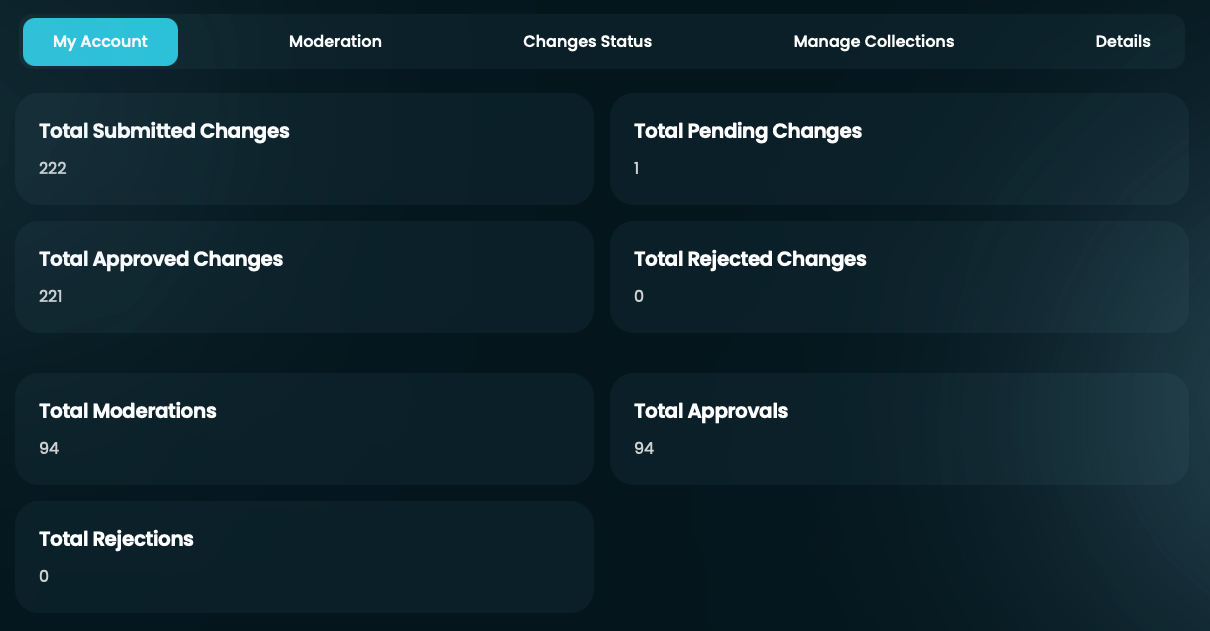
This keeps moderation community-driven while encouraging contributors to build a track record of accurate, useful submissions first.
How the database is maintained
The Games Database is run and managed by the community. Users submit additions, corrections, image uploads, image replacements, and deletion requests. Moderators review those submissions to protect the quality of the shared database.
Moderation is not handled by a single person. Submissions are reviewed by multiple moderators, and changes generally need at least three approvals before they are accepted. This helps prevent one person's preference or mistake from changing the shared database too easily.
Admins can also lock certain fields or actions when needed. For example, a game field, image, or delete action may be locked to prevent repeated incorrect changes or protect sensitive records.
What happens after you submit a change?
Most changes are sent to moderation, so your update may not appear immediately on the public game page. A moderator reviews the proposed change and either accepts it, rejects it, or skips it for another moderator to review.
When you submit an update, you are asked to provide a reason. A good reason helps moderators understand what changed and why. It also creates useful context if the change is reviewed later.
Good reasons are specific. For example, explain that you are correcting the title to match the box art, replacing a low-resolution image with a higher-quality version, adding a regional alternate name, or marking a game as a duplicate of another database entry.
Why data quality matters
Because the database is shared, each change can affect many users. A wrong title can make imports harder to match. A duplicate record can split metadata across multiple entries. A fanart image in an official image category can cause users to download the wrong kind of media. A poor replacement image can make a game page worse instead of better.
Good data helps LaunchBox feel effortless. Good metadata makes imports smoother. Good images make libraries and Big Box themes look better. Good alternate names help users with messy file names or regional releases get better matches automatically.
Where to go next
If you want to contribute, start with the workflow that matches what you are trying to do:
Use Submitting Game Updates to learn how to correct game details and metadata.
Use Adding and Deleting Games to learn when to add a missing game or request that a record be removed.
Use Uploading and Managing Images to learn how to add, replace, or remove game media.
Use Image Standards and Requirements to understand the rules for image types, transparency, dimensions, and quality.
Use Moderation Guidelines Reference if you want to understand the standards moderators use when reviewing submissions.
The Games Database works best when contributions are thoughtful, accurate, and useful. You do not have to contribute, but when you do, you help make LaunchBox better for the whole community.
Was this helpful?
Still need help? Ask the team